Omnichannel AI Live Chat: Empowering Sales and Customer Support Workflows
When customers message a business through multiple touchpoints, the business can be slow to respond, lose conversation history, and miss leads. Omnichannel AI LiveChat addresses this challenge by using AI to receive and automatically route conversations across channels, connecting the right people at the right time. This article provides a complete overview of the model, selection criteria, implementation process, and KPI framework for measuring business performance.
1. What Is Omnichannel AI LiveChat?
1.1 Definition of Omnichannel AI LiveChat
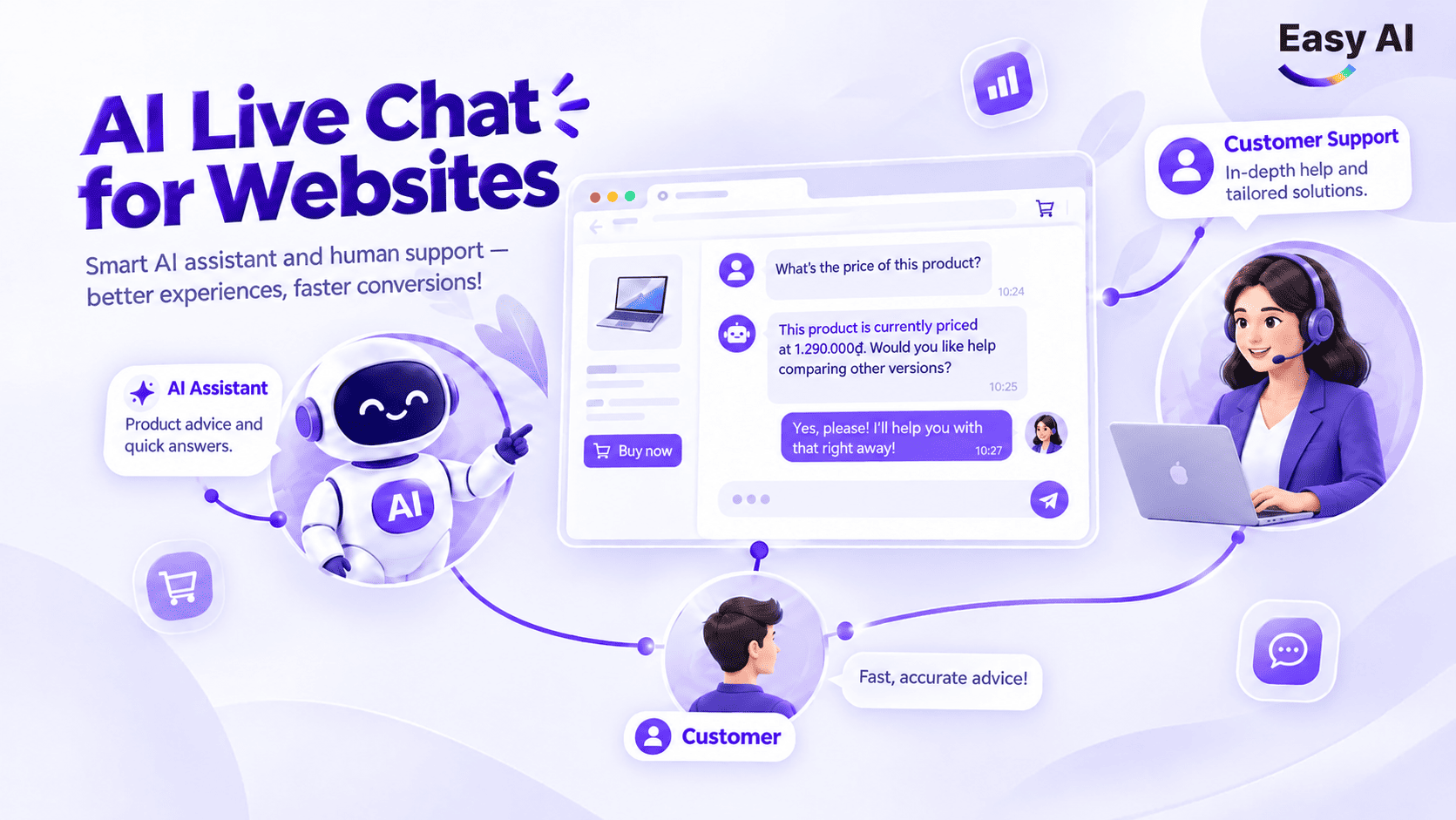
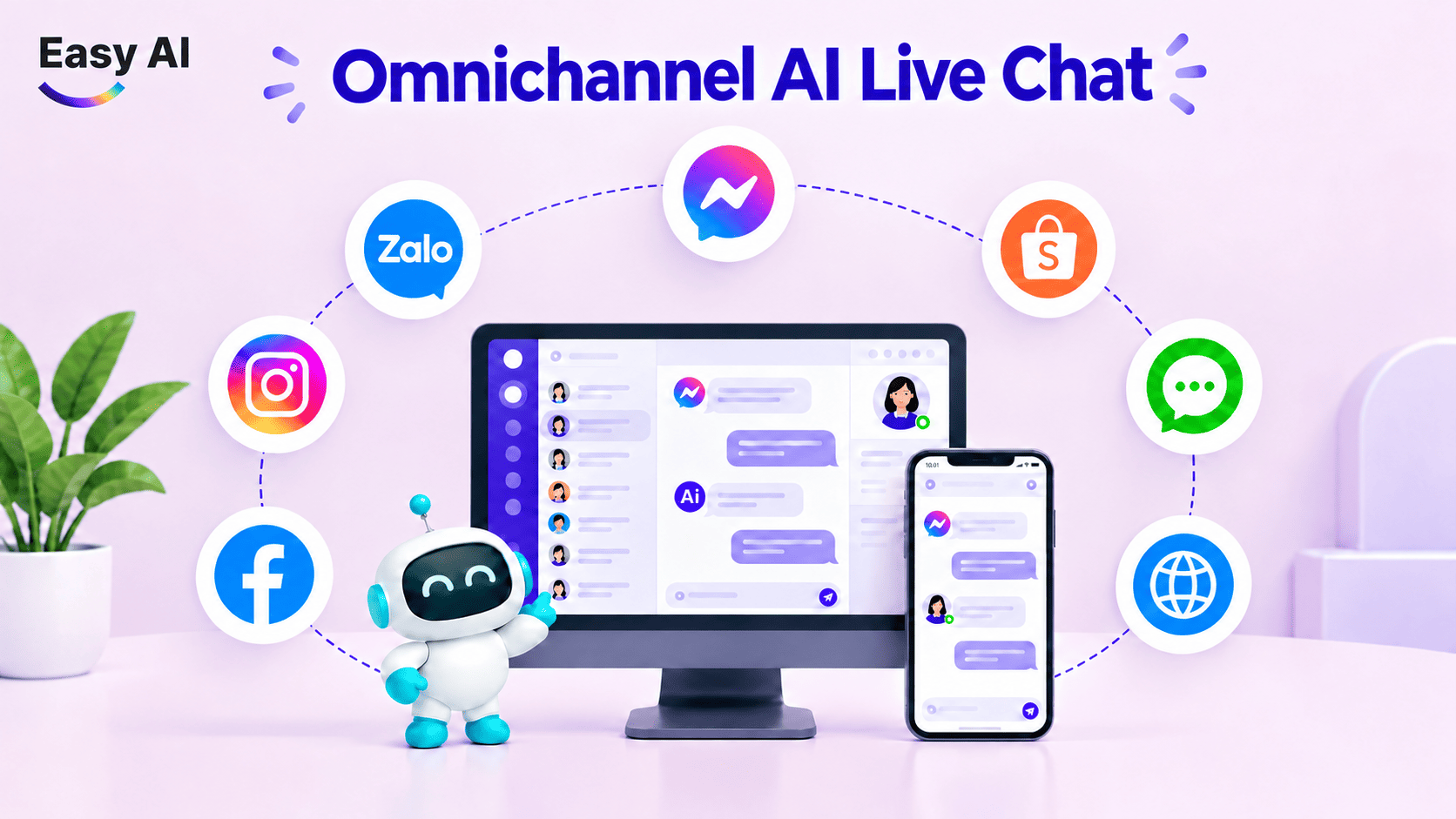
Omnichannel AI LiveChat is a model that combines AI, employees, and conversation management tools to receive inquiries from multiple communication touchpoints—such as websites, Facebook Messenger, Zalo OA, and WhatsApp—through a centralized management interface. AI can respond using business data within the configured scope. Employees step in when an inquiry requires in-depth advice, exception handling, or human judgment.
“Omnichannel” and “omnichannel” do not mean the same thing. Omnichannel means a business is present on multiple channels, but each channel may still operate separately. Omnichannel aims to connect the data or context needed across touchpoints. The actual level of connectivity depends on integration capabilities.
1.2 How Does Omnichannel AI LiveChat Work?
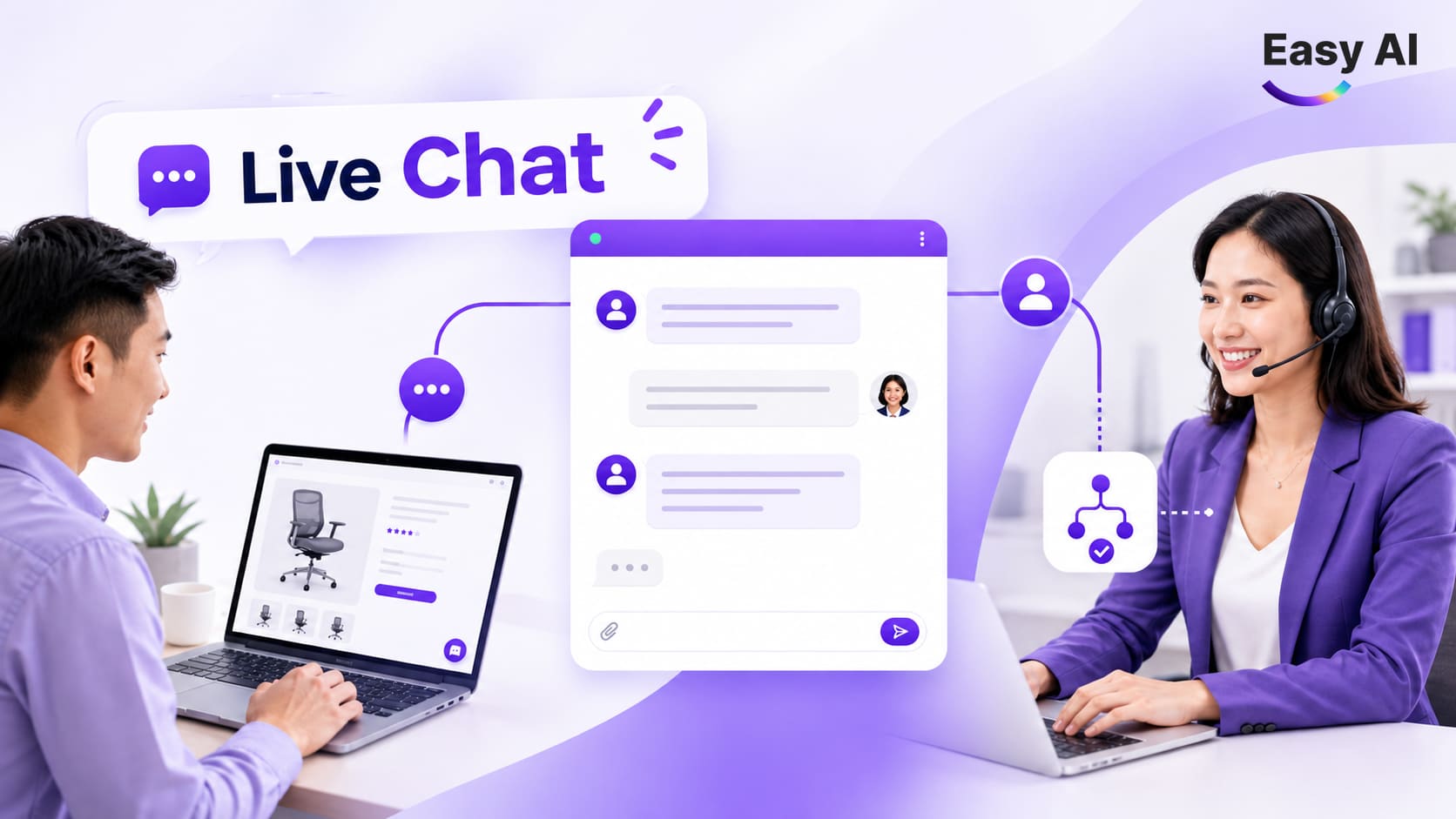
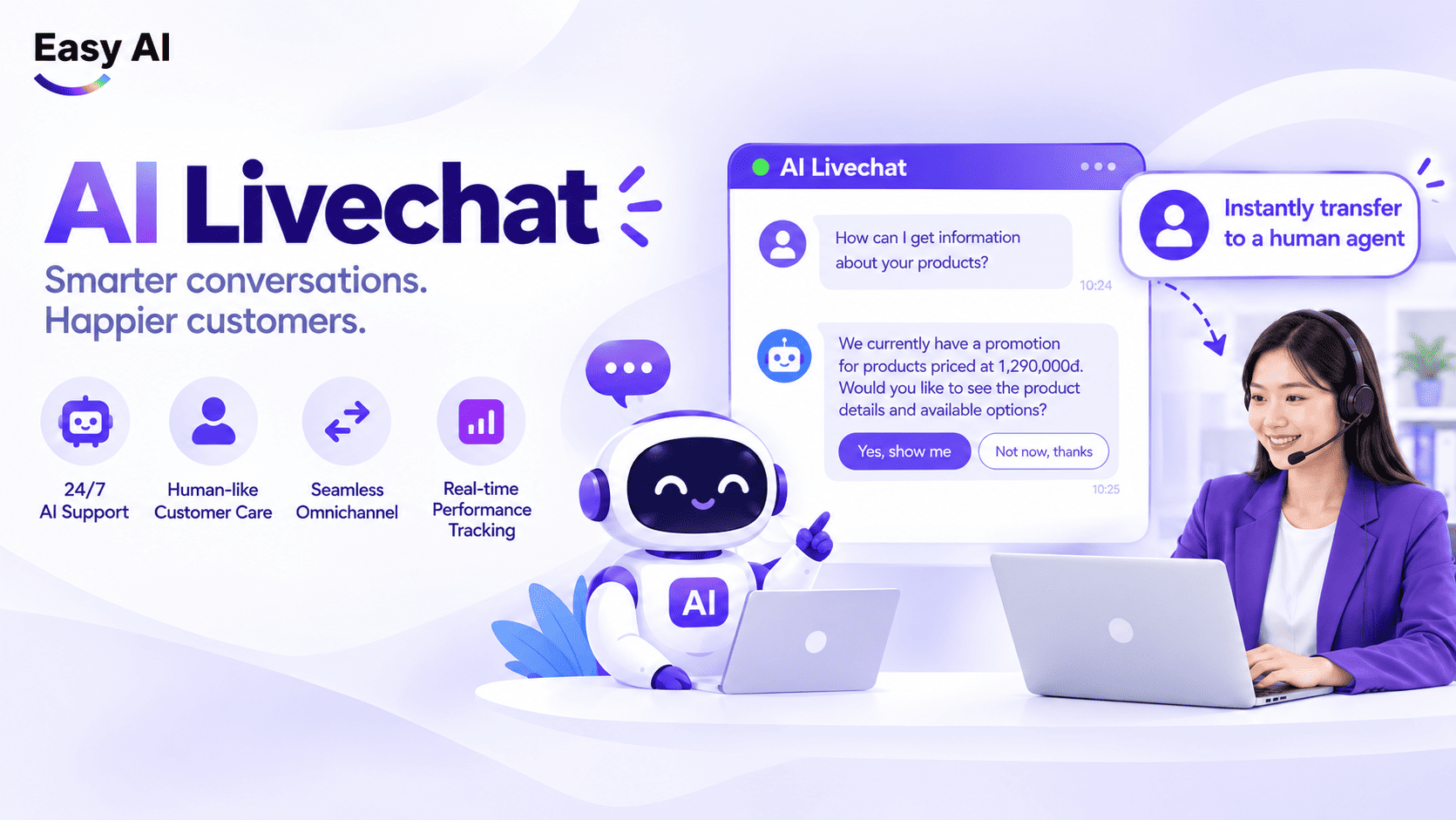
A customer submits a question through a connected channel. The system receives the conversation, and AI retrieves relevant information if configured to do so, then responds or routes the conversation according to operational rules. If an employee takes over, the handoff should preserve the necessary context and history so the customer does not have to repeat information.
Routing is the process of directing conversations to the appropriate team or employee based on established rules. These rules may depend on the type of inquiry, conversation status, or the business’s operating structure. Do not assume all platforms have the same routing capabilities.
1.3 Components of a Omnichannel AI LiveChat System
A system typically includes the following layers. The setup and specific features vary by platform:
- Channels: Connected chat touchpoints or communication channels.
- Conversation management: Where employees view, assign, and track conversation status.
- AI and data sources: The AI model and the documents, product information, or processes the business has authorized it to use.
- Routing rules and employees: Rules defining when AI responds, when to hand off to a person, and who takes over.
- Reporting: Metrics recorded from available data, such as response times or resolution status.
2. Why Should Businesses Manage Omnichannel Conversations in One System?
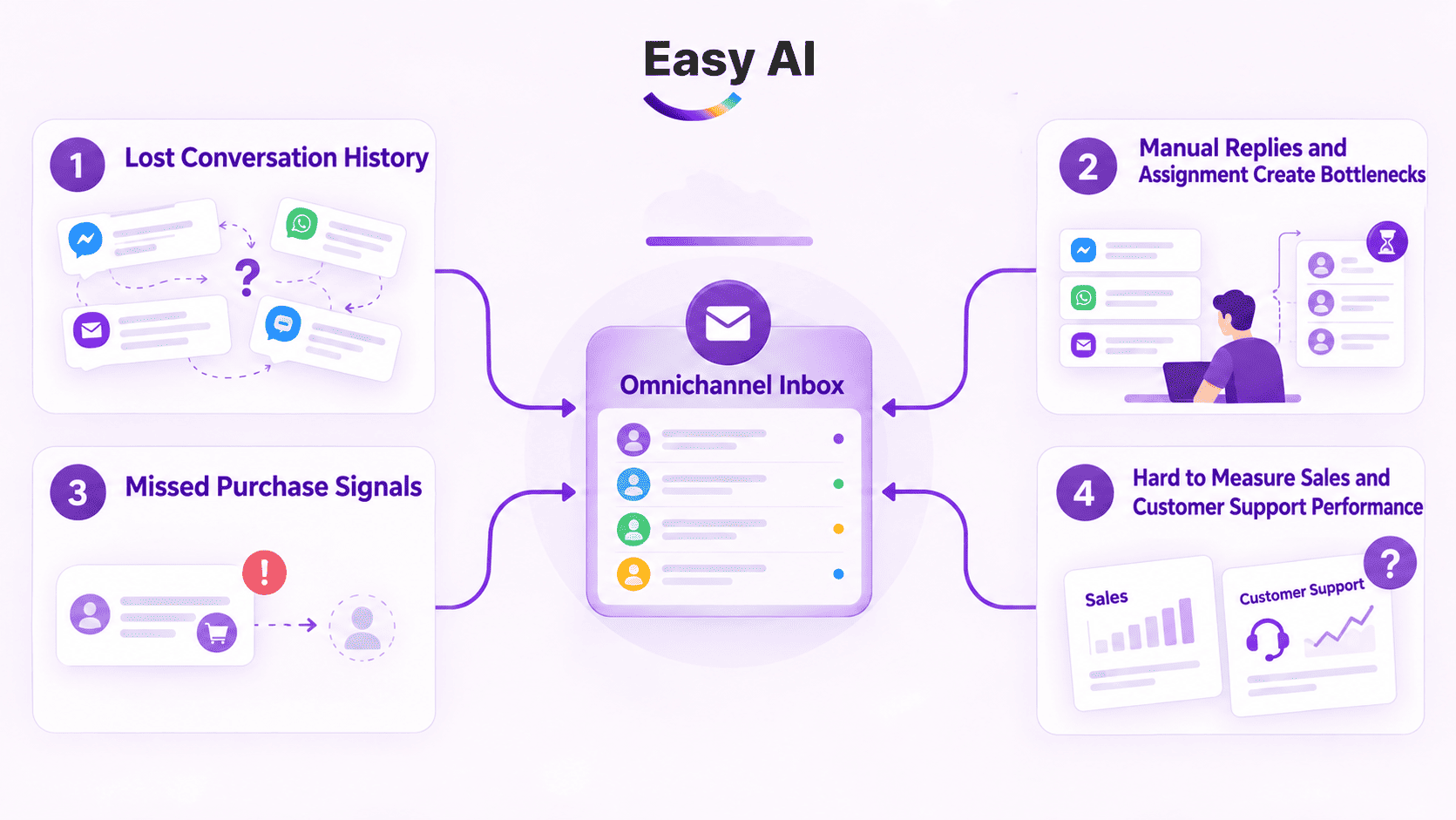
2.1 Fragmented Conversations Cause Teams to Lose Interaction History
When employees switch between multiple screens, customer information can become scattered across individual conversations. If the history is not visible when a new inquiry is received, employees may not know what the customer has already asked, what advice they have received, or which questions are still awaiting answers.
Centralizing conversations gives teams one place to monitor and handle inquiries from connected channels. However, consolidating conversations does not automatically mean customer profiles are unified. The ability to link history across channels must be verified separately.
2.2 Manual Responses and Assignments Create Bottlenecks
Without a clear process, employees may have to decide for themselves who should take each conversation, which requests should be prioritized, and which cases are still awaiting action. This increases routing work and can leave ownership unclear.
A centralized system can display conversations, assign them, and track SLAs (service-level agreements or target response and resolution times). AI can support repetitive questions, while employees still handle cases requiring assessment, in-depth discussion, or decisions outside established rules.
2.3 Purchase Signals Can Be Missed
A request for a quote, a question about product availability, or a request for advice may indicate that a customer is close to making a purchase decision. If the conversation is in a channel that is not closely monitored, the Sales team may respond too late or miss the opportunity.
Businesses can create rules to classify conversations by content, keywords, or recorded data. This can support signal detection, but it does not guarantee that AI will always understand intent correctly. Employees should be able to review and adjust classifications when needed.
2.4 Sales and Customer Service Performance Is Difficult to Measure
When data is scattered, managers may struggle to get a consistent view of conversation volume, response times, backlogs, and resolution outcomes. Teams may also use different definitions of “resolved” or “qualified lead.”
Centralized management helps standardize how data is recorded and how AI and employees work together. Before comparing performance, businesses should align on metric definitions, measurement periods, and data sources.
3. How Is Omnichannel AI LiveChat Different from Traditional Live Chat and Website AI LiveChat?
Businesses often confuse traditional Live Chat, website AI LiveChat, and Omnichannel AI LiveChat. Although all three aim to support customer interactions, their technology, data infrastructure, and ability to influence revenue are different. These models may overlap in features, so the table below clarifies their scope rather than ranking them.
| Criteria | Traditional Live Chat | Website AI LiveChat | Omnichannel AI LiveChat |
|---|---|---|---|
| Scope | Single-channel, usually focused on one chat interface or a specific channel. | Specialized single channel, with a chat widget embedded directly on a website. | Unified Omnichannel: connects websites, Facebook, Zalo OA, TikTok, and more at the same time. |
| Role of AI | No AI, or only simple rule-based chatbot scripts. | 24/7 AI chatbot: automatically answers questions, retrieves information, and recommends products on the website. | Multitasking AI assistant: handles Omnichannel conversations using the knowledge and context specific to each platform. |
| Conversation management | Tracks conversations within the tool. | Manages all interactions, page-view flows, and customer behavior on the website. | Brings all Omnichannel messages into one centralized management interface. |
| Handoff | Manually transfers chats between advisors during a shift. | Automatically hands conversations from AI to Sales, with the full chat history on the website. | Smart Routing based on source channel, lead profile, and Sales shift schedule. |
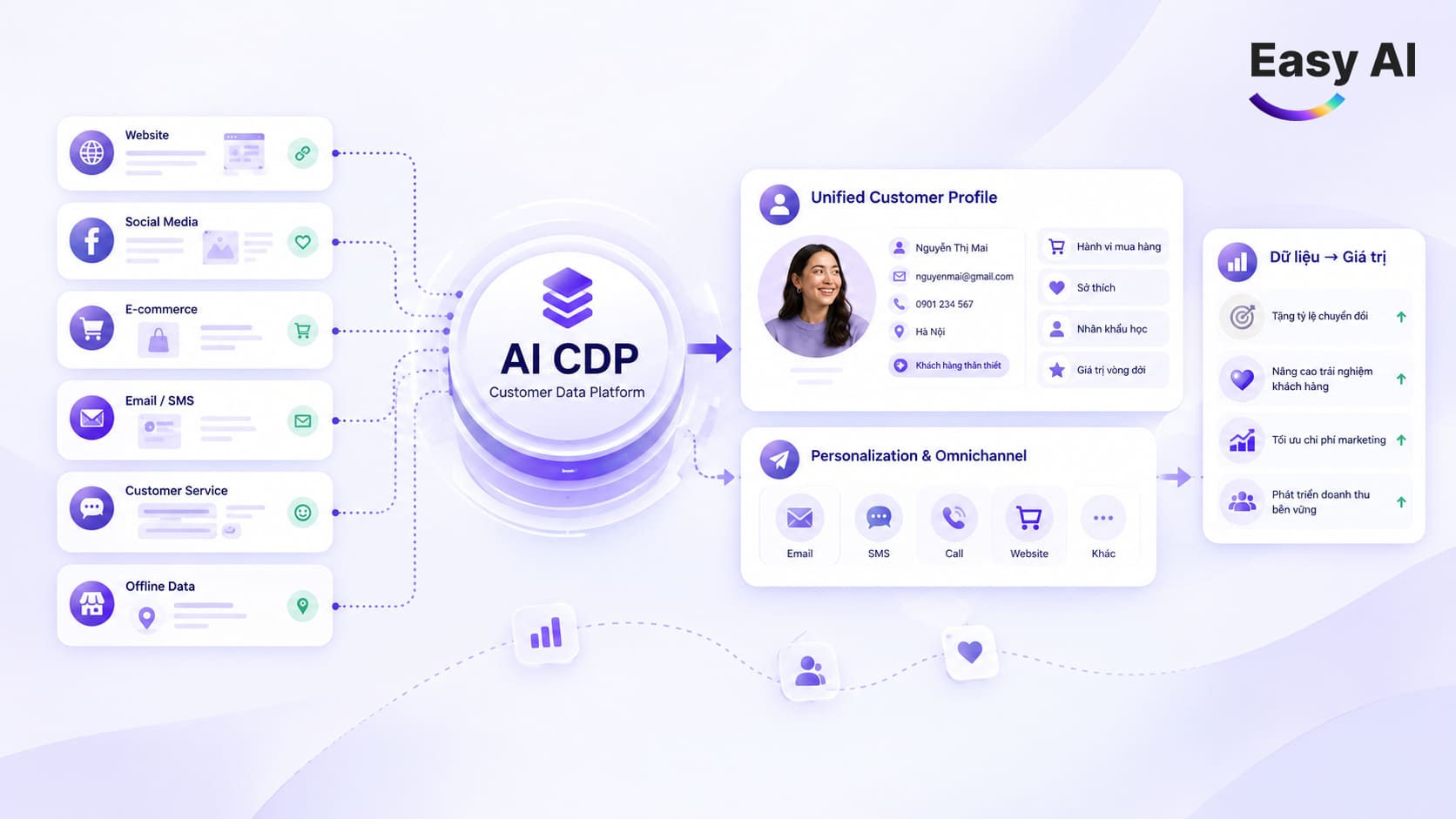
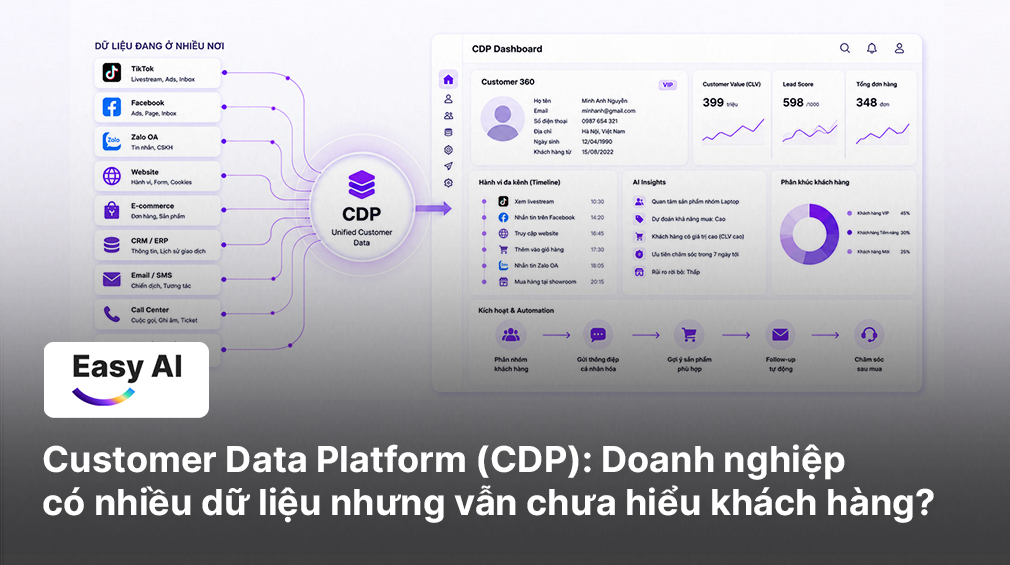
| Context and data | Primarily limited to the current conversation. | Recognizes real-time on-page behavior, such as the page being viewed, time spent, and referral source. | Connects Omnichannel chat history to a 360° customer data profile (CDP). |
| Reporting and measurement | Basic reports for each individual channel, such as chat volume and response time. | Detailed reports on conversation quality, AI resolution rate, and website lead generation. | Comprehensive reporting on the Omnichannel conversion funnel, Sales performance, and revenue attribution. |
| Best suited for | Small teams managing interactions across a narrow channel scope. | Businesses looking to optimize website conversion rates. | Retail businesses and Omnichannel store chains that need centralized management and process automation. |
4. Which Communication Channels Can Omnichannel AI LiveChat Support?
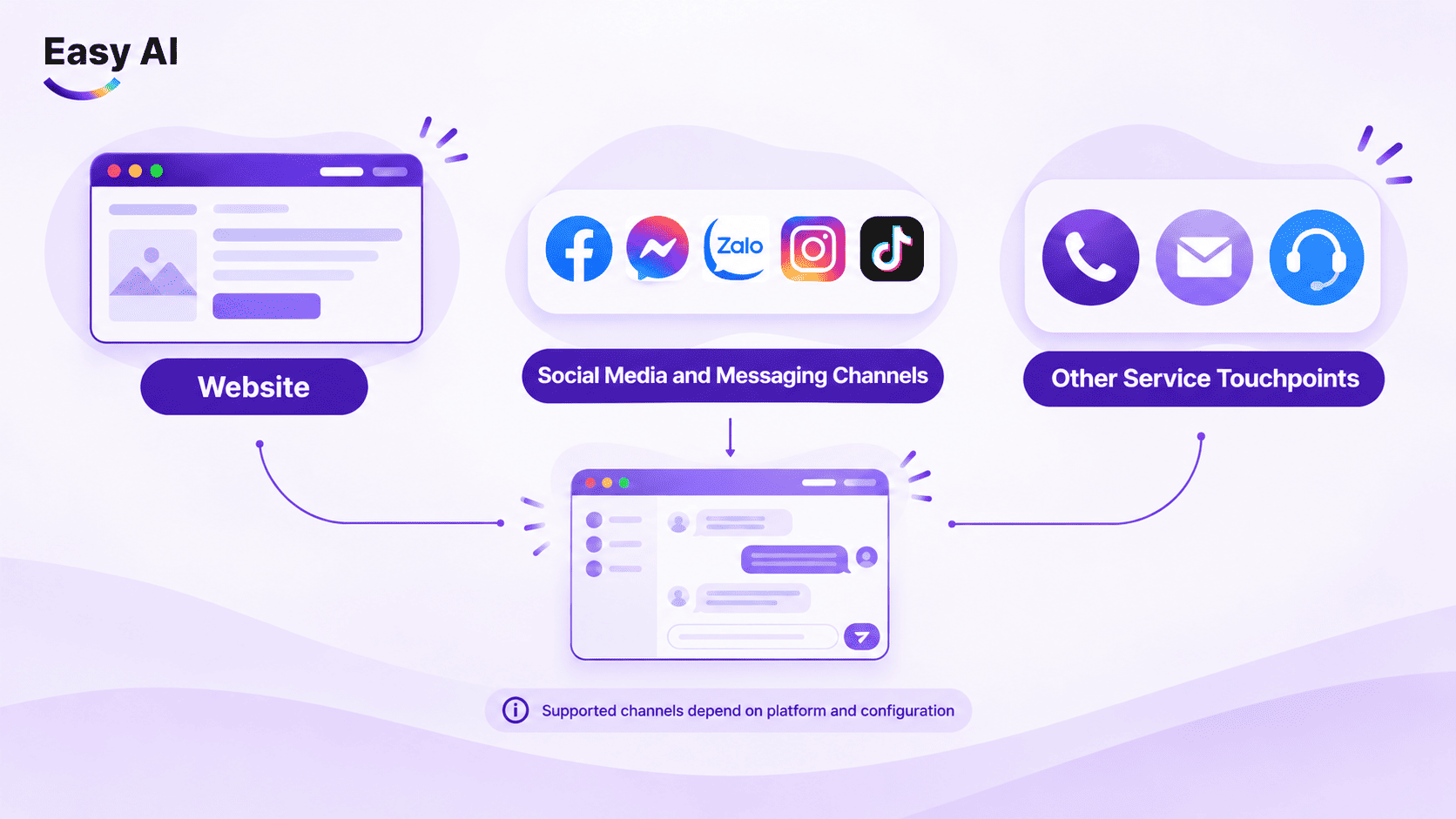
When implementing Omnichannel AI LiveChat, businesses should identify the core communication touchpoints in the customer journey. The groups below are examples of common touchpoints, not a default channel list for every Omnichannel chat software platform.
- Website: A website chat widget can receive questions about products, services, policies, or requests for advice. AI should respond only using data the business has provided and within clearly defined limits. Questions outside that scope should be routed to an employee or handled according to an appropriate process.
- Social media and messaging channels: Businesses can consider connecting social media channels such as Facebook Messenger, Zalo OA, and WhatsApp, or messaging channels where customers are already active. The supported channels, access permissions, and conversation synchronization depend on the platform, service plan, and actual configuration.
- Other service touchpoints: Some businesses also receive inquiries through call centers such as CareSoft, Stringee, or other call center systems, lead forms, or internal ERP/CRM systems. Bringing these touchpoints into the same process should be evaluated based on connectivity and data storage capabilities.
Before selecting a tool, verify three things: whether it has an official integration with the channels you need; which data and conversation history are synchronized; and what actions the system is permitted to take after receiving an inquiry.
5. Important Features of Omnichannel AI LiveChat Software
Not every platform offers all of these features. Compare actual capabilities against the processes and data your business needs to manage.
- Centralizing conversations does not mean unifying customer profiles: A shared inbox can help employees view multiple conversations in one place. Identifying the same person across multiple channels requires suitable recognition mechanisms and data. Do not assume this capability just because a tool has a centralized inbox.
- AI handles repetitive questions: Businesses can start with frequently asked questions that have clear answers, such as service information or process instructions. Define the data sources, topic limits, and what should happen when AI lacks information or receives a question outside its scope.
- Routing, Sales handoff, and status tracking: Routing identifies who handles each group of inquiries. For purchase signals such as quote requests, businesses can establish suitable rules for flagging or forwarding conversations. Specific automation capabilities depend on the platform and its configuration.
- Reports should answer operational questions: A polished chart is not enough to guide process decisions. First define what managers need to know: which conversations are unresolved, how response times are performing, or which team is receiving the most inquiries.
| Feature group | Operational need | Value to evaluate |
|---|---|---|
| Conversation centralization | View and handle conversations from connected channels | Reduce the need to switch between multiple interfaces |
| AI handling repetitive questions | Answer common questions using approved business data | Free up time for inquiries requiring in-depth advice |
| Conversation routing | Direct inquiries to the appropriate team or person | Clarify ownership for incoming conversations |
| Purchase signal detection | Route quote or consultation requests to Sales based on rules | Support timely responses to opportunities |
| Tags, statuses, and notifications | Track inquiry types, progress, and follow-up tasks | Reduce the risk of conversations being overlooked |
| Reporting | Track metrics within the scope of available data | Support activity reviews and process adjustments |
6. Applications of Omnichannel AI LiveChat in Marketing, Sales, and Customer Service
- Marketing receives and classifies leads: When a customer asks about a product or requests advice, a process can capture the necessary information and classify it according to business criteria. For example, a question about bulk purchasing can be routed to the business customer team instead of entering the general Q&A queue.
- Sales advises customers and handles in-depth inquiries: AI can answer basic questions using business data. If a customer needs a quote, confirmation of specific terms, or a comparison tailored to their situation, the conversation should be routed to Sales. Employees should be able to review the relevant history before continuing the consultation.
- Customer Service handles common requests and routes cases outside scope: AI can support repetitive requests when clear guidance is available, such as instructions for checking a service process. If a customer reports an issue, requests an exception, or needs an employee’s decision, the system should route the conversation into the appropriate process rather than attempt to answer outside its scope.
- Managers monitor performance: Managers can track conversation status, response times, and inquiry volume by team if the system records that data. If a type of question frequently requires employee intervention, the team can update its knowledge base or adjust its rules.
7. How to Implement Omnichannel AI LiveChat for Businesses
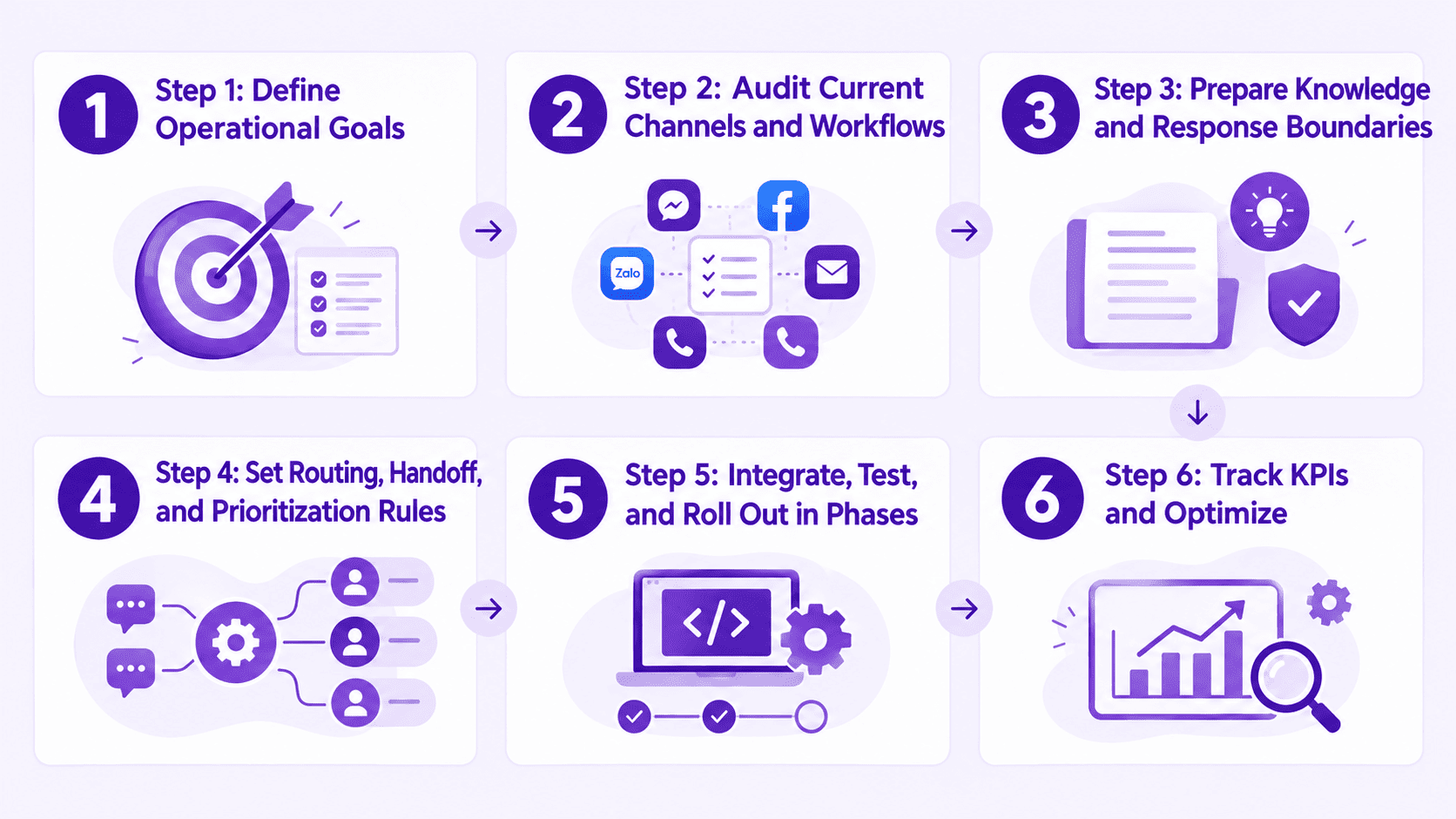
Step 1: Define Operational Goals
Choose one specific issue to address first: reducing conversation backlogs, answering common questions, or clarifying the Sales handoff process. Link the goal to a measurable metric and identify the data that needs to be collected before implementation.
Step 2: Audit Channels and Current Processes
List touchpoints, owners, common inquiry types, and existing handoff processes. Specify which channels need to be connected, which have technical limitations, and where conversation history is stored.
Step 3: Prepare Knowledge and Response Boundaries
Gather business-approved product information, policies, and instructions. Flag content that needs updating, topics AI is permitted to answer, and cases that must be routed to an employee.
Step 4: Set Up Routing, Handoff, and Priority Rules
Identify receiving teams, conversation statuses, and conditions for handing conversations to a person. If you use priority rules, align on how priority is identified and what to do when there is not enough data for classification.
Step 5: Integrate, Test, and Roll Out in Stages
Check channel connections, conversation history, access permissions, and handoff processes. Test common scenarios and exceptions, then expand by team or channel rather than putting the entire process into operation at once.
Step 6: Track KPIs and Optimize
Measure metrics using consistent definitions, review conversations where AI responses were not appropriate, and update knowledge or rules. Distinguish between data issues, configuration issues, and needs that require employee support.
Implementation readiness checklist:
- Operational goals and initial KPIs are defined.
- Channels, owners, and integration limitations are documented.
- Approved knowledge is available, with an assigned owner responsible for updates.
- Rules are defined for when AI responds, declines to respond, or hands off to an employee.
- Assignment, status, and resolution-time processes are in place.
- Access permissions, data, and exception scenarios have been tested.
- Someone is assigned to monitor quality after launch.
8. Criteria for Selecting Omnichannel Chat Software
Use the checklist below to compare tools against actual needs. For each criterion, ask the provider to demonstrate how the system works or what can be configured instead of reviewing only a feature list.
- Channel integration: Are the channels your business needs officially supported?
- History and search: Can employees find conversations in a way that suits their work?
- AI data: Which sources does AI use, how are they updated, and how does the business control responses?
- Routing, notifications, and handoff: Can responsibility be transferred clearly while preserving necessary information?
- Tags, statuses, and ownership: Is there a way to track who is handling an inquiry and what stage it is at?
- Sales and Customer Service reporting: Which metrics are available, where do they come from, and what are their limitations?
- CRM and other systems: Can the tool connect to the systems your business uses? Confirm the specific scope of each integration.
- Permissions, security, administration, and compliance: Who can access data, manage configurations, and view conversation history?
- Cost, complexity, and scalability: What does the cost include, what resources are needed to operate the system, and does it fit your expansion plans?
Do not assume a platform meets all these criteria just because it is labeled “Omnichannel” or “AI.” Verify its actual capabilities against the documentation and configuration of each platform.
9. How Do You Measure the Effectiveness of Omnichannel AI LiveChat?
Before tracking performance, align on the definition, measurement period, data source, and formula for each KPI. The table below suggests how to use these metrics; there is no universal benchmark that suits every business.
| Metric | Meaning | How to use it |
|---|---|---|
| First response time | The time from when a customer submits an inquiry to the first response, based on the business’s definition | Track by channel, time period, or responsible team |
| Automated handling rate | The percentage of conversations handled by AI according to the agreed measurement rules | Review alongside the resolution rate; an automated response does not necessarily mean the issue was resolved |
| Employee handoff rate | The percentage of conversations transferred to an employee | Identify inquiry types that need better knowledge or inherently require a person |
| Unresolved rate | The percentage of conversations that have not reached a completed status under the agreed definition | Identify bottlenecks and review ownership |
| Lead conversion rate | The percentage of conversations that generate leads according to business criteria | Evaluate information collection and classification processes |
| Conversations resulting in opportunities or orders | The percentage of conversations associated with recorded sales opportunities or orders | Reconcile with the Sales system or order data before drawing conclusions |
| Customer satisfaction | Customer feedback measured using the method selected by the business | Review alongside context and response rate to avoid interpreting incomplete data |
Do not attribute revenue to AI without an appropriate attribution mechanism and data reconciliation. Until then, report conversation metrics separately and clearly state the measurement limitations.
10. Case Studies: Businesses Transform Operations with Omnichannel AI LiveChat from Easy AI
Hai Tien: Unifying Channels and Standardizing B2B Consultation
- Challenge: As a long-established stationery manufacturer, Hai Tien received a large volume of customers from different channels, including its website, Zalo, Facebook, and contact forms. For B2B customers such as agents, distributors, and schools, fragmented data made it difficult to accurately record needs, access customer journey information, and transfer inquiries to the Sales team without delays.
- Solution: Easy AI implemented a Omnichannel AI customer service system integrated with a CDP, automatically collecting and unifying conversations from the website, social media, and forms in one centralized management system. AI responds 24/7, classifies profiles as individual or wholesale customers, and suggests relevant consultation content.
- Results: AI handled 100% of conversations automatically, and customer satisfaction reached 98%, helping Hai Tien align consultation information and significantly reduce manual operational workload.

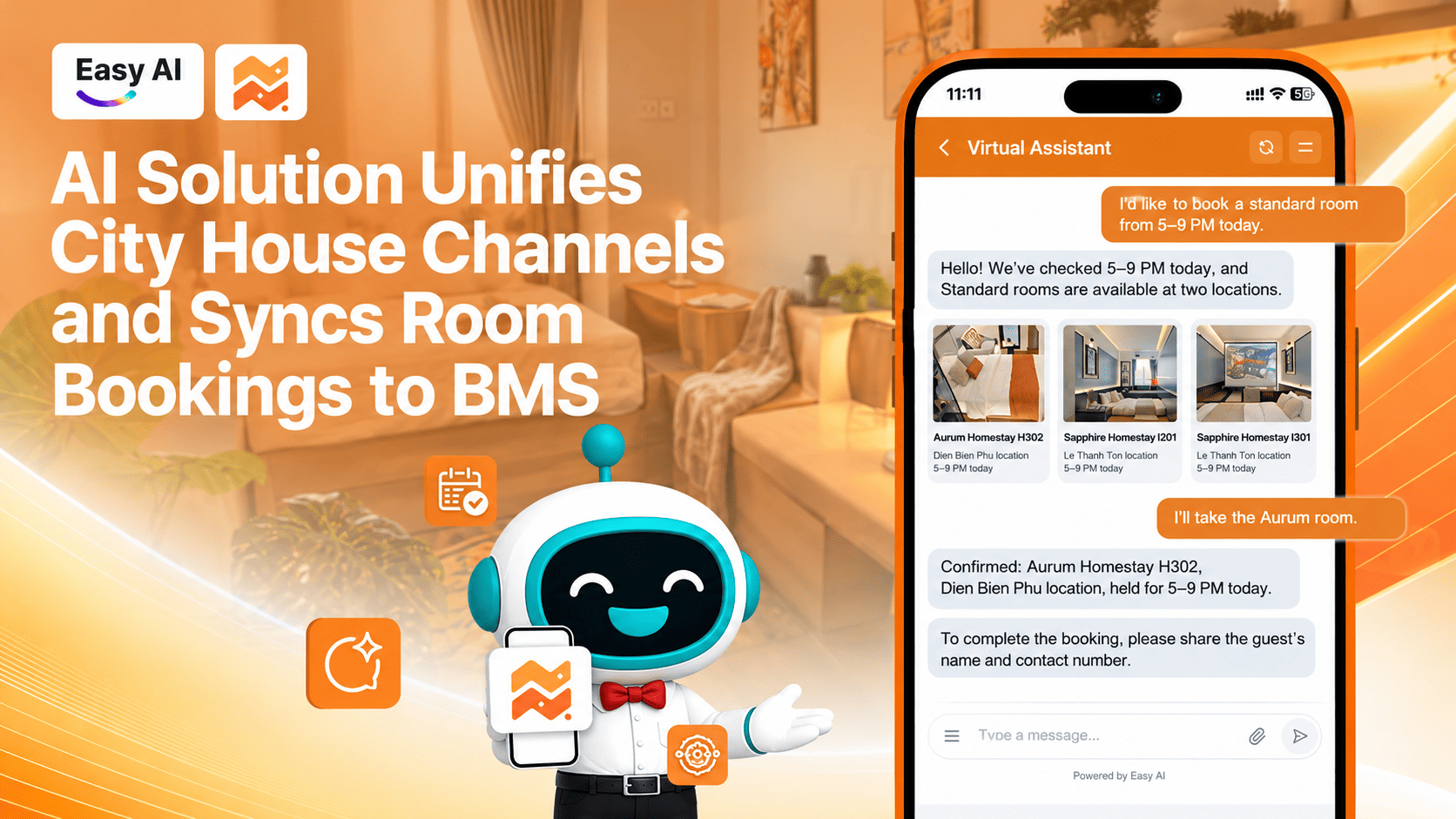
City House: Automating Booking Consultation and Unifying Omnichannel Accommodation Data
- Challenge: Customers of City House’s serviced apartment system came from a range of channels, including its website, Facebook, Zalo OA, Instagram, and call center. Without connected systems, booking data was scattered. Employees had to enter information manually in the property management software, Beesky BMS, creating risks of inaccurate information and duplicate room bookings.
- Solution: City House implemented a Omnichannel accommodation AI chatbot that automatically advises customers about rooms, checks availability in real time, and sends images and payment QR codes in the chat window. The entire booking schedule is also automatically synchronized with Beesky BMS, with smooth routing to employees when exceptions need to be handled.
- Results: The business established a seamless booking journey from chat to purchase, significantly reduced manual work, eliminated the risk of duplicate orders, and optimized room status management.
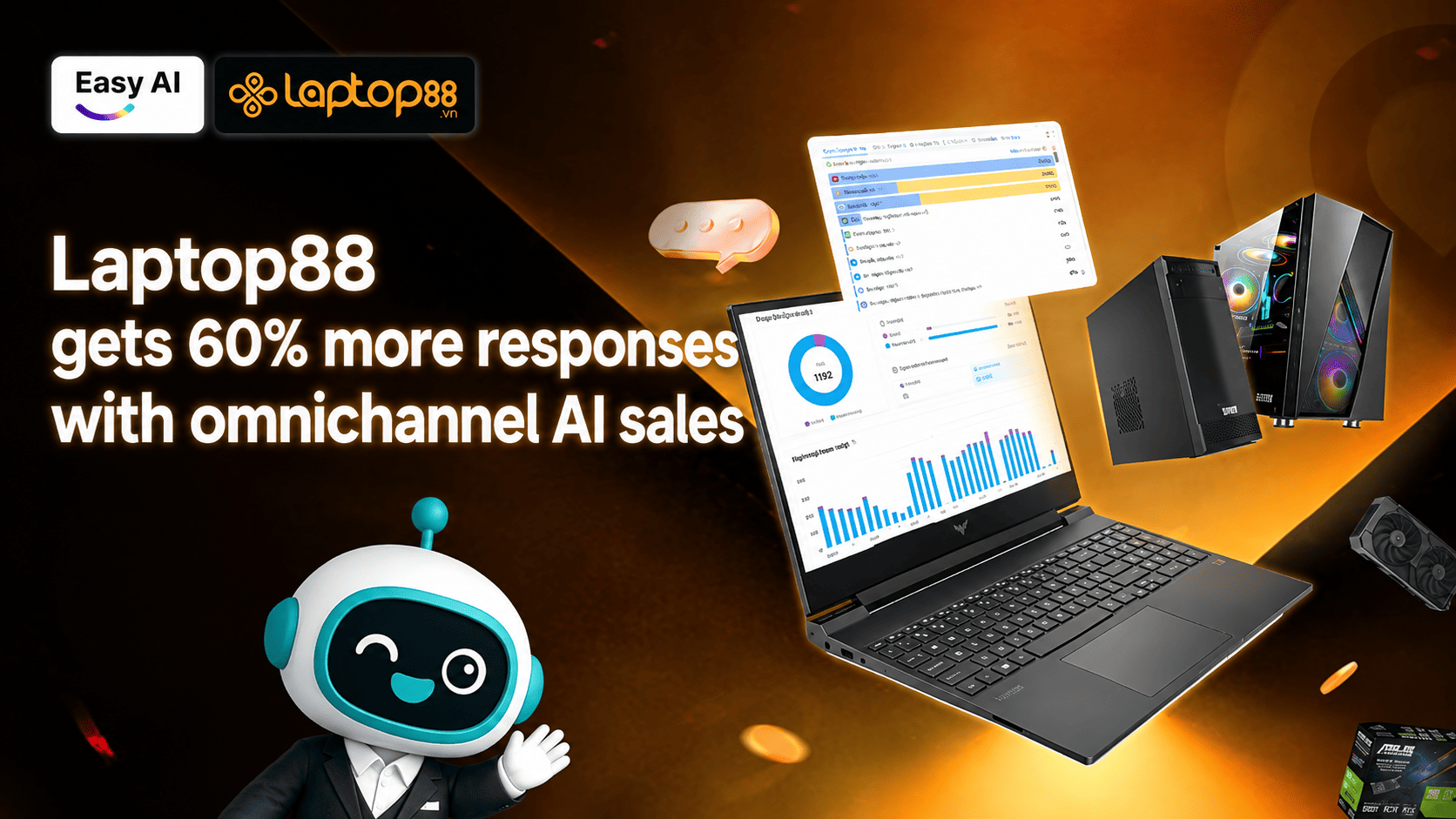
Laptop88: Resolving Fragmented Data and Increasing Omnichannel Response Rates by 60%
- Challenge: Laptop88’s retail chain operated across multiple disconnected channels, including its website, Messenger, Zalo OA, and CareSoft. Fragmented data prevented Sales employees from getting a complete view of customer history. Manual routing caused delays and led to missed “hot leads” outside business hours.
- Solution: Easy AI set up an AI chatbot combined with Omnichannel LiveChat, unifying all inboxes in one interface. AI engages customers 24/7, identifies needs by configuration and budget, and automatically routes conversations—with their full historical context—to the Sales team.
- Results: After three months of implementation, Laptop88 achieved a 40–60% increase in customer response rates, 30–50% of conversations received automated AI support, and digital interactions increased by 20–30%, completing the transition to a data-driven operating model.
Conclusion: Optimize Omnichannel Operations and Grow Revenue with Easy AI
Omnichannel AI LiveChat is more than a tool for collecting messages. It is a strategic solution for addressing data fragmentation, reducing response delays, and standardizing coordination between AI and employees. Its real-world effectiveness depends directly on the quality of the knowledge base, human handoff scenarios, and the transparency of the business’s measurement framework.
Easy AI Omnichannel LiveChat Solution:
- Unified Inbox: Brings messages from websites, Facebook, Zalo OA, TikTok, and more into one interface.
- 24/7 automated responses: AI instantly answers repetitive questions using the business’s standardized knowledge base.
- Smart Routing: Automatically directs conversations to the right employee or specialist department.
- Purchase signal detection: AI identifies quote or purchase intent and alerts Sales to step in at the right time.
- Tags and tracking: Classifies conversation status in detail so managers can monitor progress and trace activity more easily.
- Smooth Human Handoff: Transfers conversations from AI to employees while preserving the full context.
- Performance measurement: Transparently reports AI automation rates and individual employee sales results.
>>> Watch the Easy AI Omnichannel LiveChat introduction video—a solution that helps businesses optimize Omnichannel customer service and sales processes:
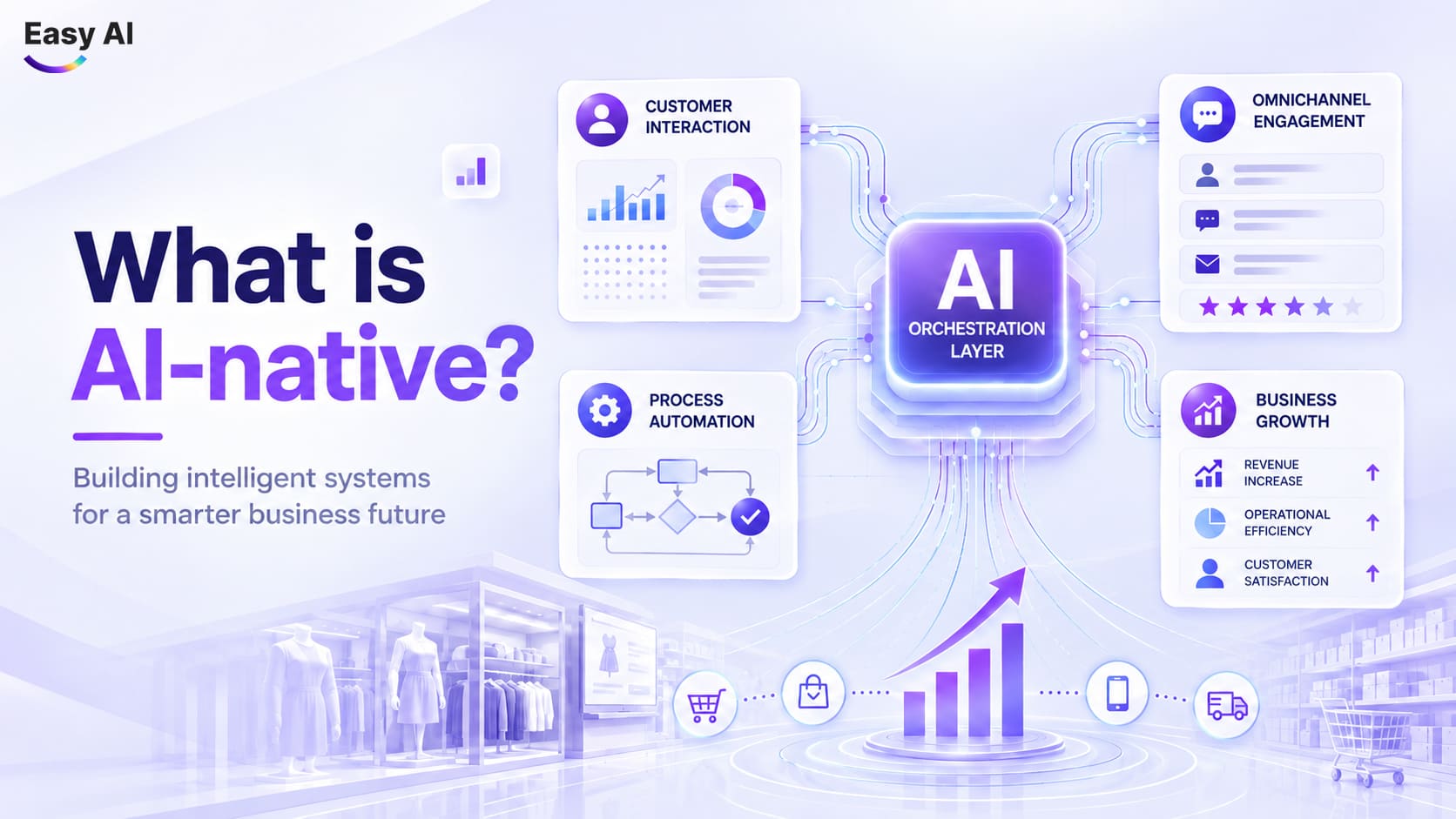
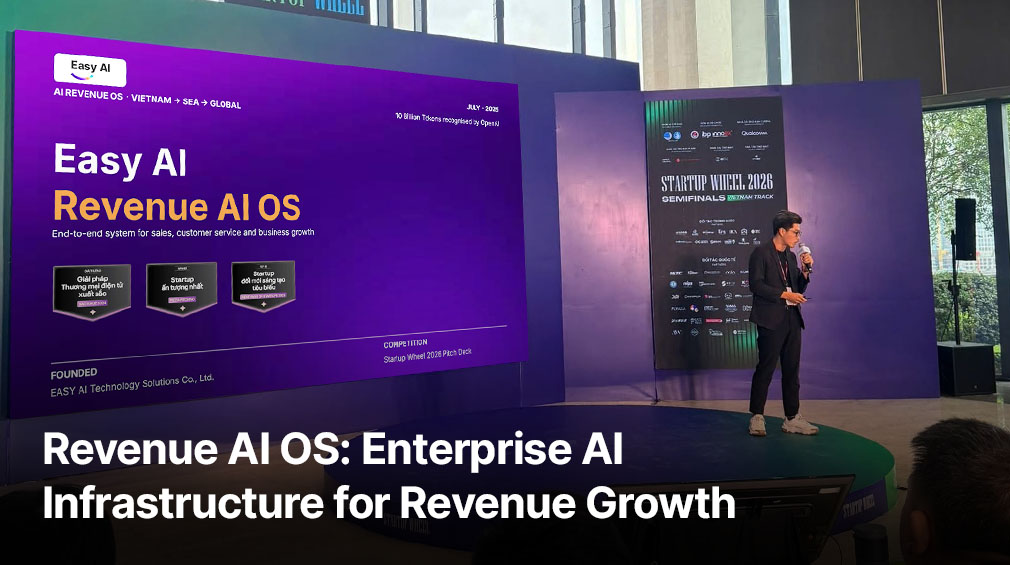
Easy AI is built on AI-native infrastructure as part of the Revenue AI OS operating system, helping businesses move from manual chat management to a revenue-generating automation model.
Register for a one-on-one consultation and experience the Easy AI Omnichannel LiveChat demo here!
Topics
FAQ
Recommended for you