AI Call Center: An Automated Calling Solution for Businesses
1. What Is an AI Call Center?
When call volumes rise, Sales and Customer Service teams can become overloaded with repetitive tasks, while customers may face long wait times because data is scattered across systems. An AI Call Center uses artificial intelligence to automate and support calls, handle responses, capture information, and connect customers with employees when needed.
1.1 Definition of an AI Call Center
An AI Call Center is a system that applies artificial intelligence (AI) to calling and customer service. It can recognize speech, process conversation content, respond with voice, retrieve data when integrated, and perform certain configured tasks.
Businesses can use an AI Call Center to expand service capacity within the limits of their processes and infrastructure, rather than treating AI as an employee capable of handling every situation independently. Unlike a call center that only routes calls or plays recordings, an AI Call Center can hold two-way conversations. Its scope depends on the available data, scripts, configuration, and connected systems.
1.2 Common components of an AI Call Center
- ASR (automatic speech recognition): Converts speech into data the system can process.
- TTS (text-to-speech): Generates spoken responses for the AI.
- NLP (natural language processing) and LLMs (large language models): Help analyze spoken language and generate context-aware responses.
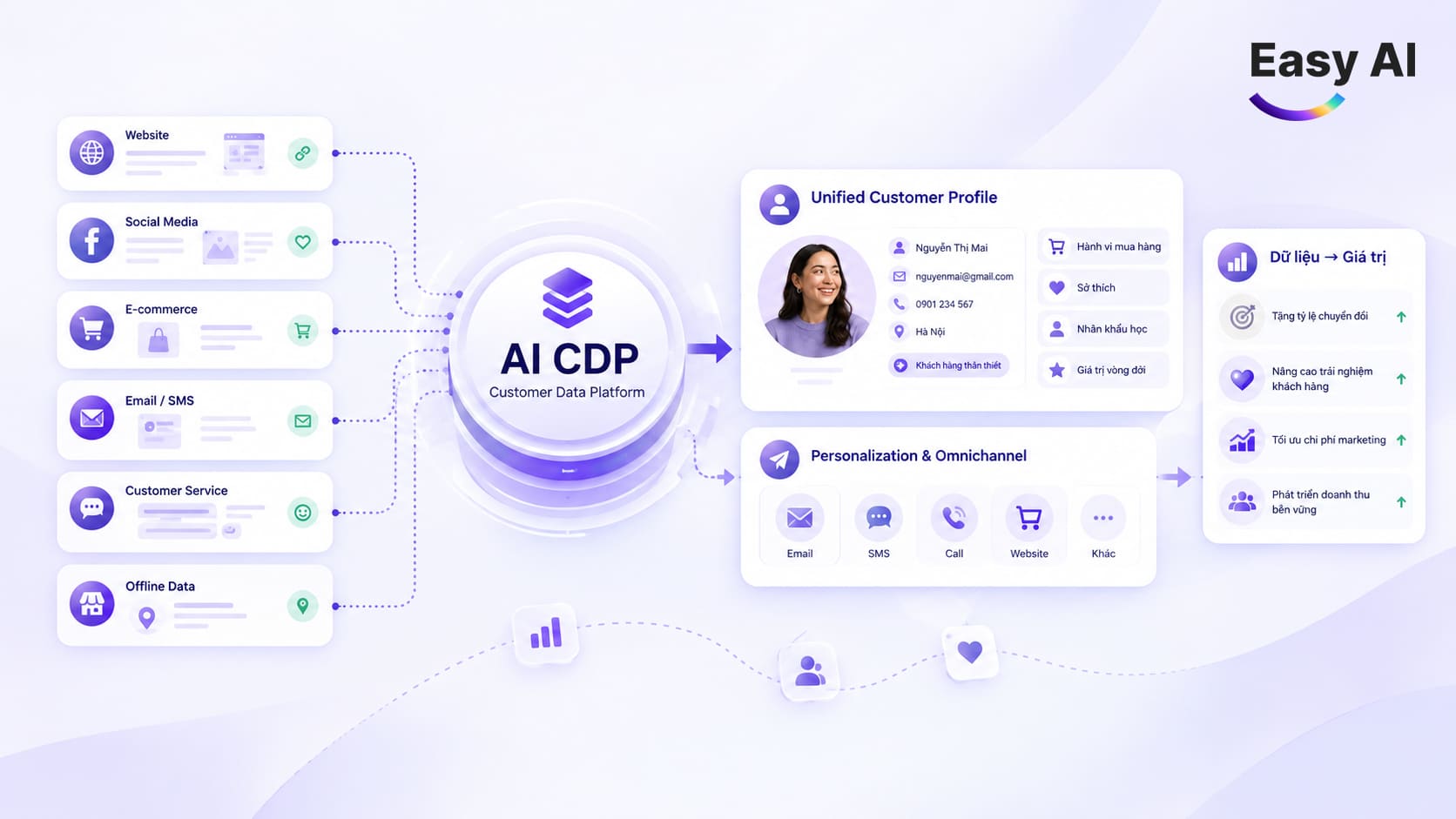
- CRM/CDP: Provide customer data, interaction history, or customer profiles that the business has integrated.
These components need to be configured for specific use cases. NLP or LLMs do not guarantee that every spoken phrase will be understood. Recognition of regional accents also depends on the technology, data, and call environment.
1.3 How does an AI Call Center differ from IVR and recorded scripts?
IVR (interactive voice response) typically asks callers to press keys or follow a fixed menu. A recording plays a pre-prepared message, while an AI Call Center can accept spoken responses and reply using configured data and scripts.
Hypothetical example: An AI calls to confirm an order, reads the order details provided in the system, and asks whether the customer still wants to receive it. If the customer confirms, the AI records the outcome. If the customer wants to change the address or has a question outside the AI’s scope, the call can be transferred to an employee under the established process.
2. How Does an AI Call Center Work?
The process typically involves five steps. The level of automation at each step depends on integration capabilities and deployment scope.
Step 1: Define the data and call objectives
The business selects the customer group, purpose of contact, and outcomes to record. For example, a list of orders awaiting confirmation could be used for an order-confirmation calling campaign, if the data source and intended use are appropriate.
Step 2: Retrieve CRM/CDP data, if integrated
If the system is connected, the AI can receive necessary information such as the customer’s name, order details, or interaction history within the permitted scope. If no integration is in place, data may need to be provided through an agreed method during implementation.
Step 3: Make the call and understand the response
The AI calls customers on the configured list and follows the configured script, recognizes the response, and selects the next step. Processing quality depends on audio clarity, phrasing, data, and recognition settings.
Step 4: Perform business tasks
Depending on the process, the AI can record that a customer agrees to receive an order, requests a callback, or needs employee assistance. Tasks such as updating a system status are possible only when the relevant connection and permissions are in place.
Step 5: Handoff to an employee and update data
Cases outside the script, requiring in-depth advice, or showing a need for direct support can be transferred to an employee. The system can save call history and update the CRM if those functions are included in the integration scope.
In the order-confirmation example, the data source is the order list; the objective is to record the customer’s response; and the script covers confirmation, a callback request, or transfer to an employee. After the call, the result is recorded according to the actual configuration and integration capabilities.
3. Key Features of an AI Call Center
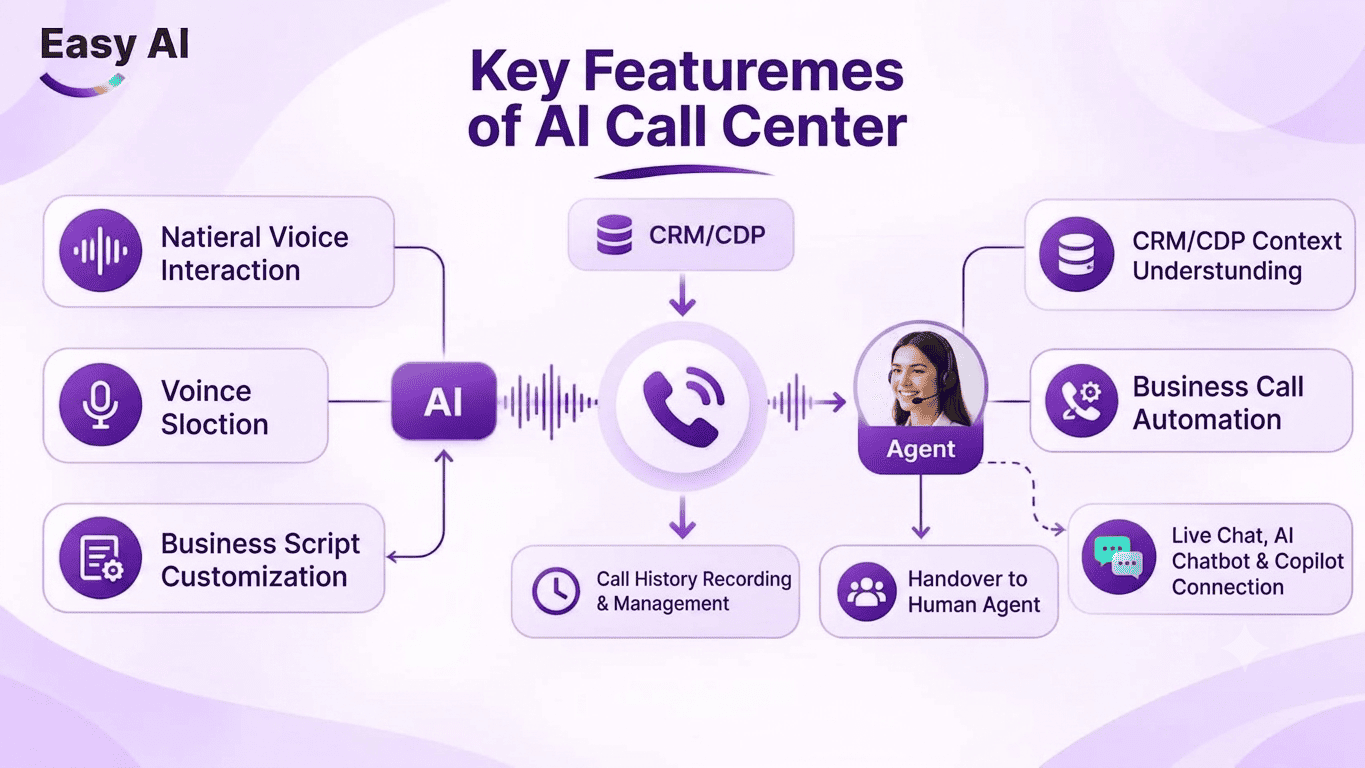
- Natural voice conversations: The AI can converse by voice rather than only playing one-way messages. Conversation quality still depends on background noise, speaking style, connection quality, and the system’s recognition capabilities.
- Voice selection: Businesses can choose a voice suited to their brand and customer group from the options available. Before scaling up calls, test how the system pronounces names, numbers, and industry terminology.
- Business-specific scripts: Scripts can be designed for objectives such as introducing a service, confirming an order, or sending appointment reminders. Define the questions, handling paths, and handoff conditions clearly; a script that is too generic may struggle with specialized situations.
- Context from CRM/CDP: When integrated with appropriate permissions, the AI can use information related to customer profiles or interaction history. If data is missing, outdated, or inconsistent, the AI may lack context and need to verify details with the customer.
- Automated business calls: The AI can support outbound calls to new customers, follow-ups with existing customers, order confirmations, or reminders. The scope of tasks depends on the objectives and processes established by the business.
- Employee handoff when needed: A call can be transferred to an employee if the customer asks, a question falls outside the script, or in-depth handling is required. Before deployment, businesses should define handoff conditions and how employees receive relevant information.
- Call history capture and management: The system can save call details and outcomes according to its configuration, and update the CRM if integrated. Businesses should clearly define which data is stored, who can access it, and how long it is retained under internal policies.
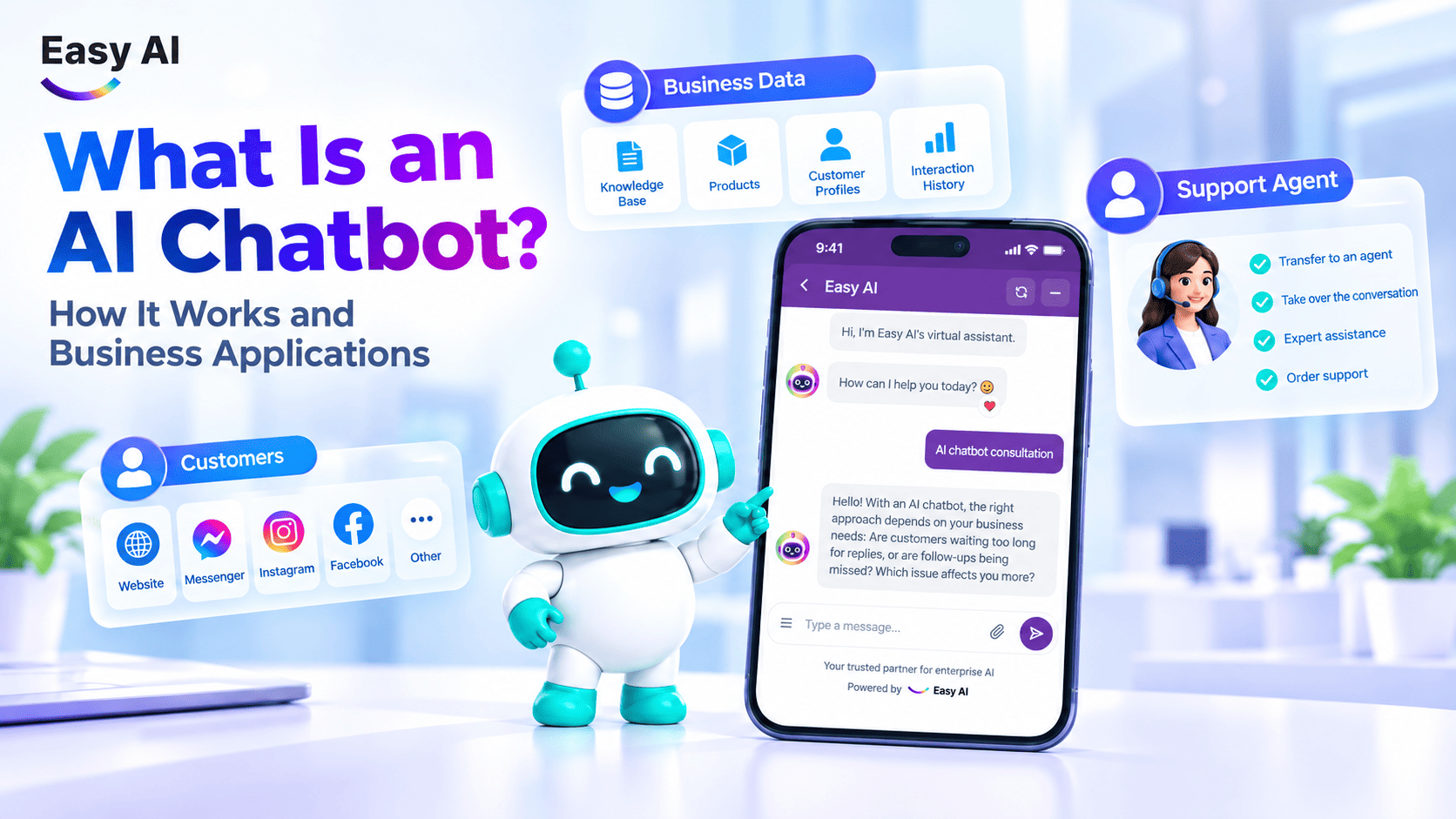
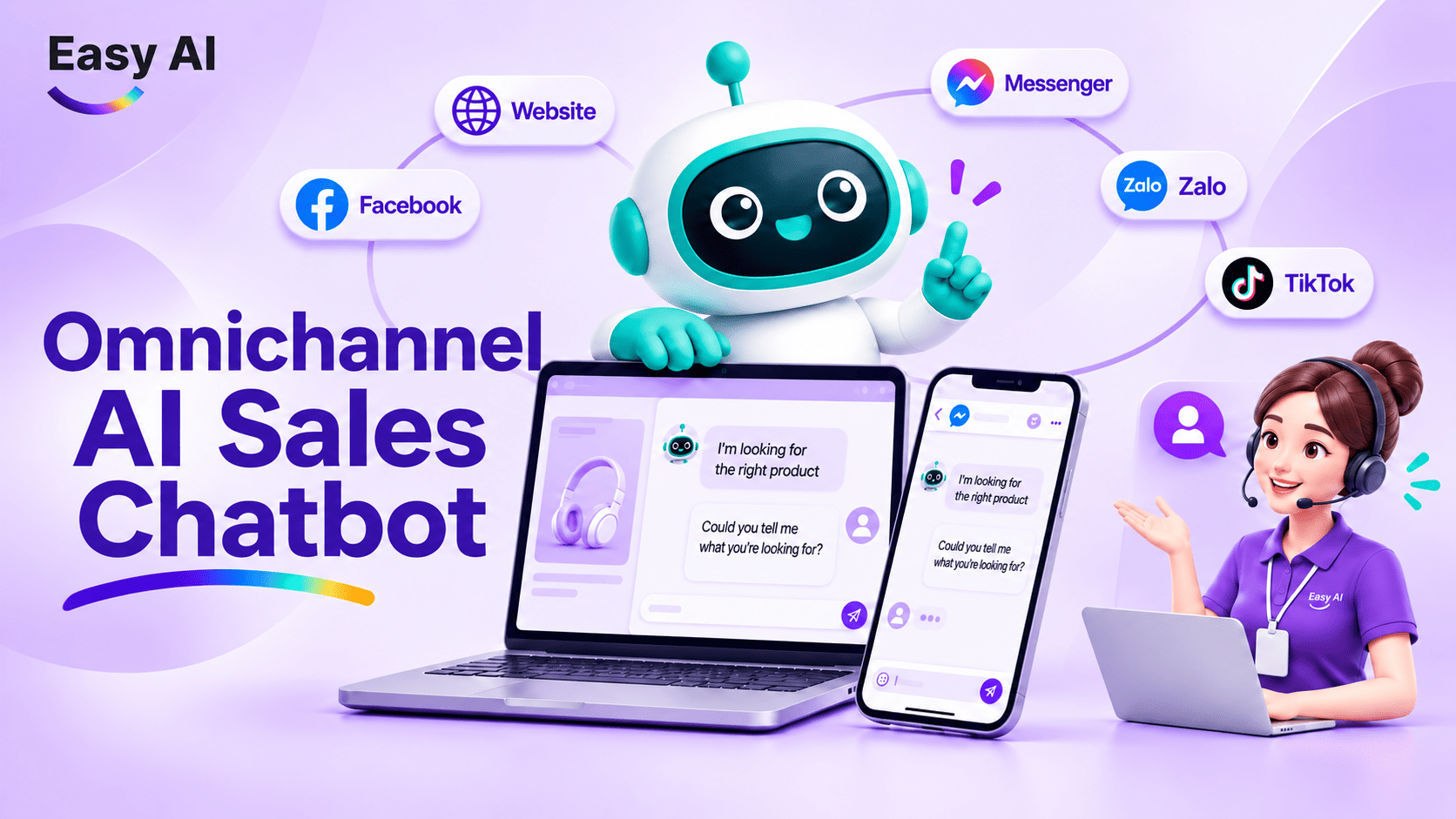
- Integration with Livechat, AI Chatbot, and Copilot: Depending on the integration scope, an AI Call Center can work with Livechat (live agent chat) and an AI Chatbot across the customer journey. Copilot assists employees in their work; it does not make calls on their behalf.
4. Key AI Call Center Use Cases in Sales and Customer Service
Suitable workflows typically have a clear objective, repetitive steps, and a result that needs to be recorded. AI supports configured tasks, while employees may still need to handle complex cases.
| Workflow | AI task | Supported outcome |
|---|---|---|
| Reach new customers | AI Telesales can call to introduce a product or service, ask about initial needs, and record responses. | Initially qualify leads and route suitable ones to Sales for further consultation. |
| Follow up with existing customers | A follow-up call can ask about the customer’s experience, receive feedback, or direct the customer to the appropriate support channel. | Maintain the customer experience and record support needs. |
| Confirm orders | The AI calls to confirm information or intent to receive an order using available data. If the customer requests a change that falls outside the handling scope, the system should transfer the call to an employee. | Record the customer’s response or callback request. |
| Send reminders | Businesses can use AI to remind customers about appointments or service schedules based on the data provided. | Help reduce missed appointments. |
| Reactivate customers | The AI calls to reconnect with customers who have stopped interacting or have not made a transaction within a period defined by the business, to prompt interest or identify new opportunities. | Re-engage customers or identify opportunities for discussion and post-use feedback. |
| Scheduled follow-ups and surveys | The AI can ask prepared survey questions, record responses, and forward feedback requiring action to the responsible team. | Collect feedback and conduct surveys through a defined process. |
| Lead screening | The AI can call to gather initial criteria such as customer needs, expected timing, or product categories of interest. | Give Sales initial lead information so they can prioritize relevant conversations. |
5. Benefits of an AI Call Center
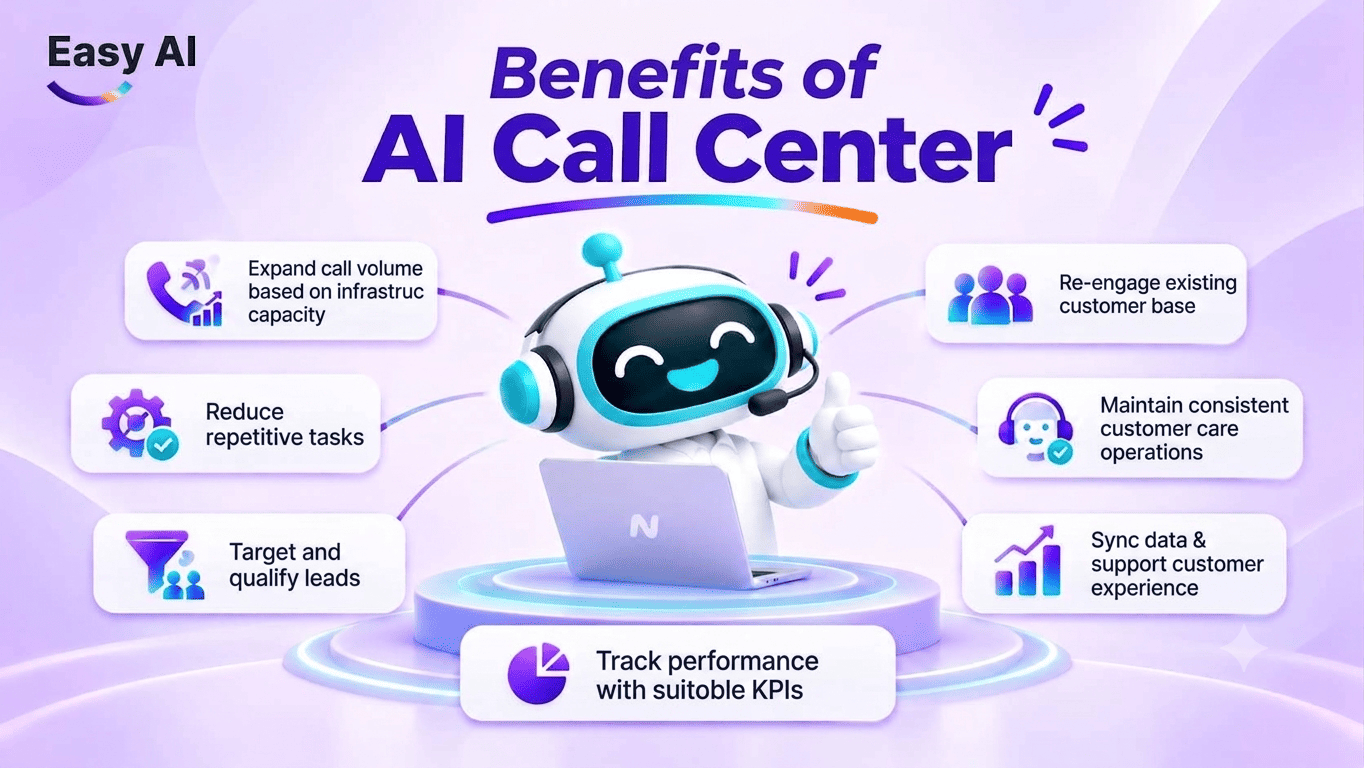
- Scale call volume according to infrastructure capacity: AI can support multiple concurrent calls based on system capacity and deployment scope. This does not mean it can make unlimited calls; businesses need to account for infrastructure, call duration, lists, and post-call handling processes.
- Reduce repetitive tasks: Calls with simple objectives, frequently asked questions, and clear outcomes can be partially automated. This gives employees more time to focus on in-depth consultation and situations requiring judgment.
- Reach and qualify leads: AI can contact lists of new customers, collect needs using configured questions, and pass relevant information to Sales. Screening quality depends on the classification criteria and input data.
- Engage existing customer lists: Lists of existing customers can support follow-up or reactivation activities, each with its own objective. Separating these objectives helps businesses choose appropriate messaging, timing, and metrics.
- Maintain consistent follow-up: Configured scripts help keep calls for the same workflow aligned to a consistent structure. However, businesses still need to review content and update it when policies or service information change.
- Synchronize data and support customer experience: When integrated, call information can be recorded in the CRM/CDP for Sales and Customer Service teams to use in subsequent steps. Synchronized data can reduce the need to ask customers to repeat information, but it does not replace input data management.
- Track performance with relevant KPIs: Metrics should align with specific objectives and should not be treated as universal benchmarks. Businesses can measure AI Call Center performance using common KPI groups such as Call Answer Rate (the percentage of calls answered by the recipient), Contact Rate (the percentage of calls connected to the right person), Call Completion Rate (the percentage of calls completed according to the defined criteria), and Human Handoff Rate (the percentage of calls transferred to an employee).
6. AI Call Center vs. Traditional Call Center
Both AI Call Centers and traditional call centers help businesses contact, advise, and support customers by phone. However, they differ in how they interact, automate tasks, and process data.
| Criterion | Traditional call center | AI Call Center |
|---|---|---|
| Interaction | Employees make and receive calls directly. | AI speaks with customers according to configured scripts and scope. |
| Conversation handling | Employees listen, understand needs, and respond. | AI recognizes content and responds based on configured data, models, and scripts. |
| Scalability | Depends on the number of employees and phone lines. | Supports multiple concurrent calls according to the capacity of the deployed infrastructure. |
| Personalization | Depends on employee skills and the customer information available. | Can use CRM/CDP context if integrated and access is permissioned. |
| Automation | Employees perform most tasks. | Can automate tasks such as lead outreach, follow-ups with existing customers, order confirmation, and reminders. |
| Consistency | Consultation style may vary between employees. | Scripts and conversation processes are standardized through configuration. |
| Data capture | Employees or the call center system record information. | Can save call history and update the CRM within the integration scope. |
| Complex case handling | Employees assess and handle cases directly and flexibly. | Calls can be transferred to employees when they are outside the handling scope or require in-depth advice. |
In summary: Traditional call centers rely primarily on employees to make and handle calls, while an AI Call Center adds the ability to automate conversations and repetitive tasks. Businesses can use AI to expand calling capacity, standardize processes, and reduce team workload; employees can focus on situations requiring in-depth consultation, judgment, or exception handling.
7. Quick Comparison: AI Call Center, AI Voicebot, AI Call Bot, AI Telesales, and AI Chatbot
| Concept | Nature | Channel | Function | Use case | Integration |
|---|---|---|---|---|---|
| AI Call Center | AI system that supports calling and customer service workflows | Phone; may work with other channels | Coordinates conversations, tasks, data, and handoffs | Sales, Customer Service, appointment reminders | Can connect to CRM/CDP depending on deployment scope |
| AI Voicebot | Bot that communicates by voice | Phone or voice channel | Receives and responds by voice | Answering or making calls according to configuration | Can be a component of an AI Call Center |
| AI Call Bot | Bot that automatically makes calls | Phone | Calls from a list using a script; its intelligence depends on the solution | Reminders, information confirmation | Depends on integration capabilities |
| AI Telesales | Phone sales workflow supported by AI | Phone | Reaches customers, identifies needs, and qualifies leads | Calling potential customers | Can use CRM data if integrated |
| AI Chatbot | Text-based conversational bot | Website, social media, or chat channel | Responds and provides support using data and scripts | Consultation, initial answers | Can work with a customer service system |
| Livechat | Tool for real-time conversations with an employee | Chat channel | Employees communicate with customers | Consultation requiring a human interaction | Can receive handoffs from a chatbot or AI |
Livechat uses a text channel, while a Voicebot focuses on voice. When connected as part of the same customer journey, customers can receive support through the appropriate channel. The ability to transfer between channels depends on configuration and integrated systems.
8. Which Businesses Should Deploy an AI Call Center?
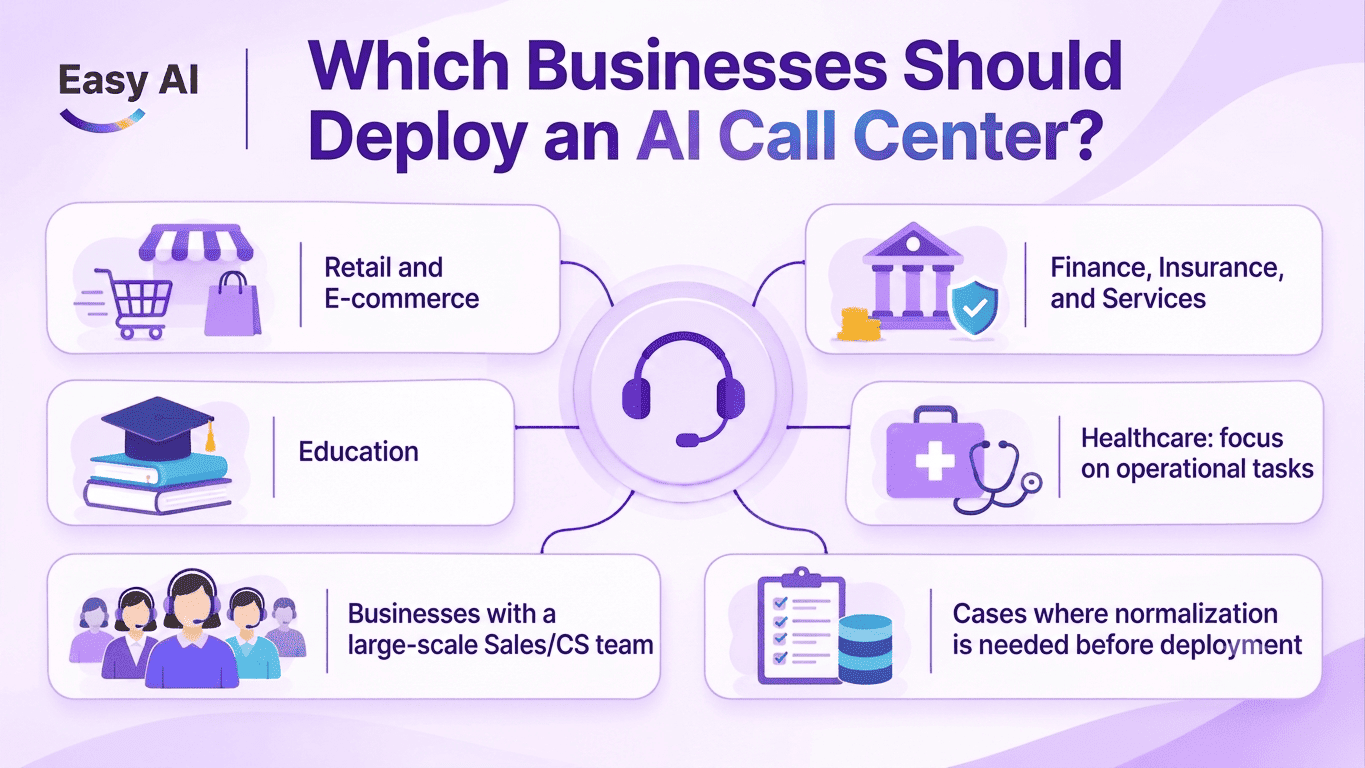
- Retail and e-commerce: Businesses with many orders, promotions, or order-confirmation needs can consider automating repetitive calls. Product, order, and policy information needs to be kept up to date in the appropriate data source.
- Financial services, insurance, and other services: Tasks such as reminders, information confirmation, or process-based follow-ups can be starting points. Content should be reviewed against internal policies and applicable industry requirements.
- Education: AI can support calls to identify initial needs, remind customers about consultation appointments, or confirm appointments. In-depth program advice and exception handling may still require employees.
- Healthcare—focused on operational tasks: Use cases can include appointment reminders, appointment confirmations, or administrative Q&A based on approved information. AI does not provide medical advice or replace a doctor’s expertise. Businesses need to protect health data and appropriately restrict access.
- Businesses with large Sales or Customer Service teams: If teams regularly handle high volumes of repetitive calls, have customer lists, and follow clear processes, AI can help expand service capacity. Businesses should define the handoff point between AI and employees in advance.
- Cases where processes should be standardized first: Businesses with few calls, disorganized customer data, or inconsistent processes may not need to begin with large-scale automation. Standardizing objectives, data, and outcome tracking makes pilots easier to assess.
9. Considerations When Selecting and Deploying an AI Call Center
9.1 Checklist: 12 evaluation criteria
- Vietnamese recognition and ASR performance in real calling environments.
- Voice quality and selection options.
- Ability to customize scripts for business workflows.
- Handling of out-of-script questions and conversation boundaries.
- Ability to connect with CRM/CDP and business systems.
- System tasks that can be performed after a call.
- Handoff conditions and processes for employees.
- How call history is recorded, searched, and managed.
- Concurrent calling capacity according to infrastructure and deployment scope.
- Security, recording, access permissions, and data management.
- Cost calculation and ROI evaluation methodology.
- Testing, quality control, and improvement processes.
9.2 Prepare objectives, data, scripts, and KPIs
Before deployment, businesses should define call objectives, customer groups, data sources, scripts, and evaluation metrics. Selecting a workflow with a clear outcome helps the team assess quality and identify where improvements are needed.
For automated calls, personal data, call recording, consent, and telephone marketing, businesses need to review applicable regulations and policies for data and contact purposes. This step should be carried out in the context of specific business activities; a technology configuration should not be assumed to replace that review.
10. Easy AI Call Center: Automate Calls, Personalize Interactions, and Connect Sales–Customer Service Data
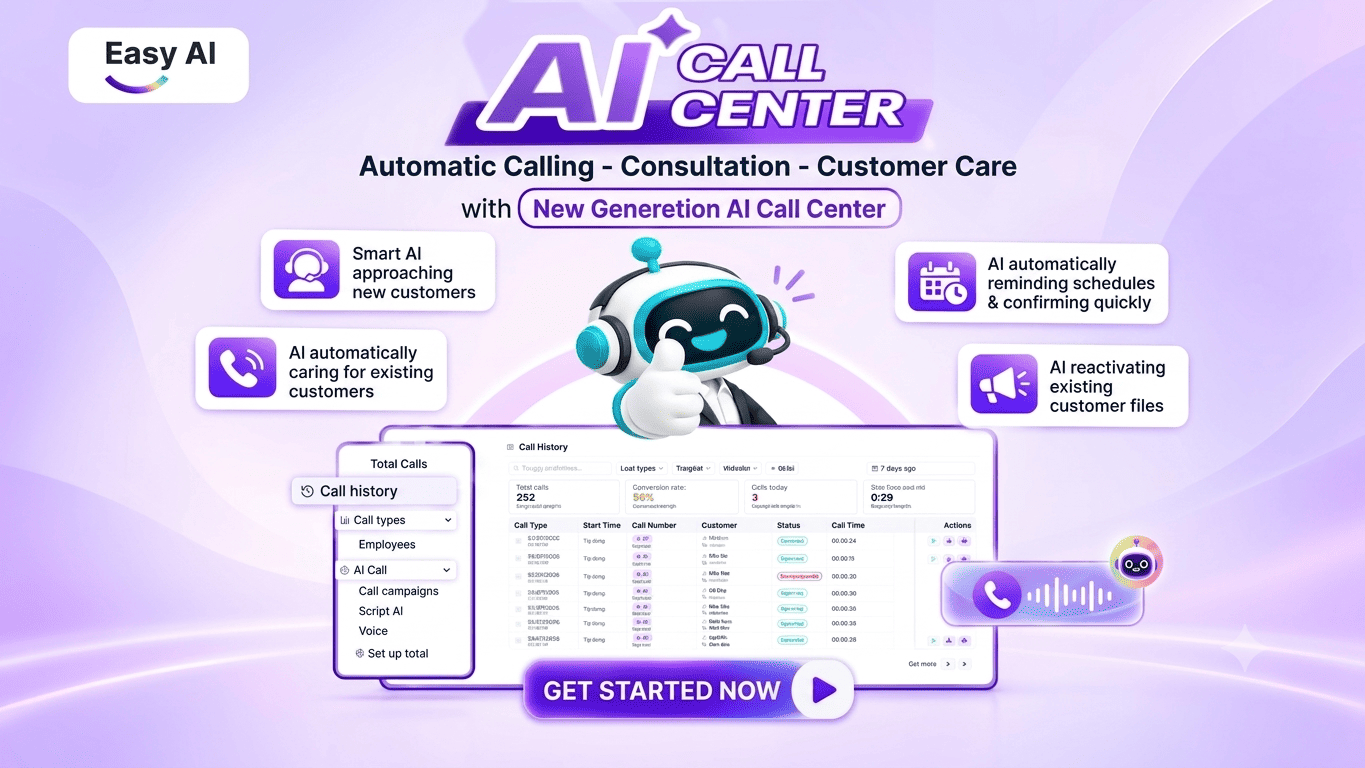
Easy AI Call Center helps businesses automate calling activities in Sales and customer service. Instead of making calls only from fixed scripts, AI can use customer context from CRM/CDP, if integrated, receive responses, record information, and transfer calls to employees when needed. The solution focuses on the following key activities:
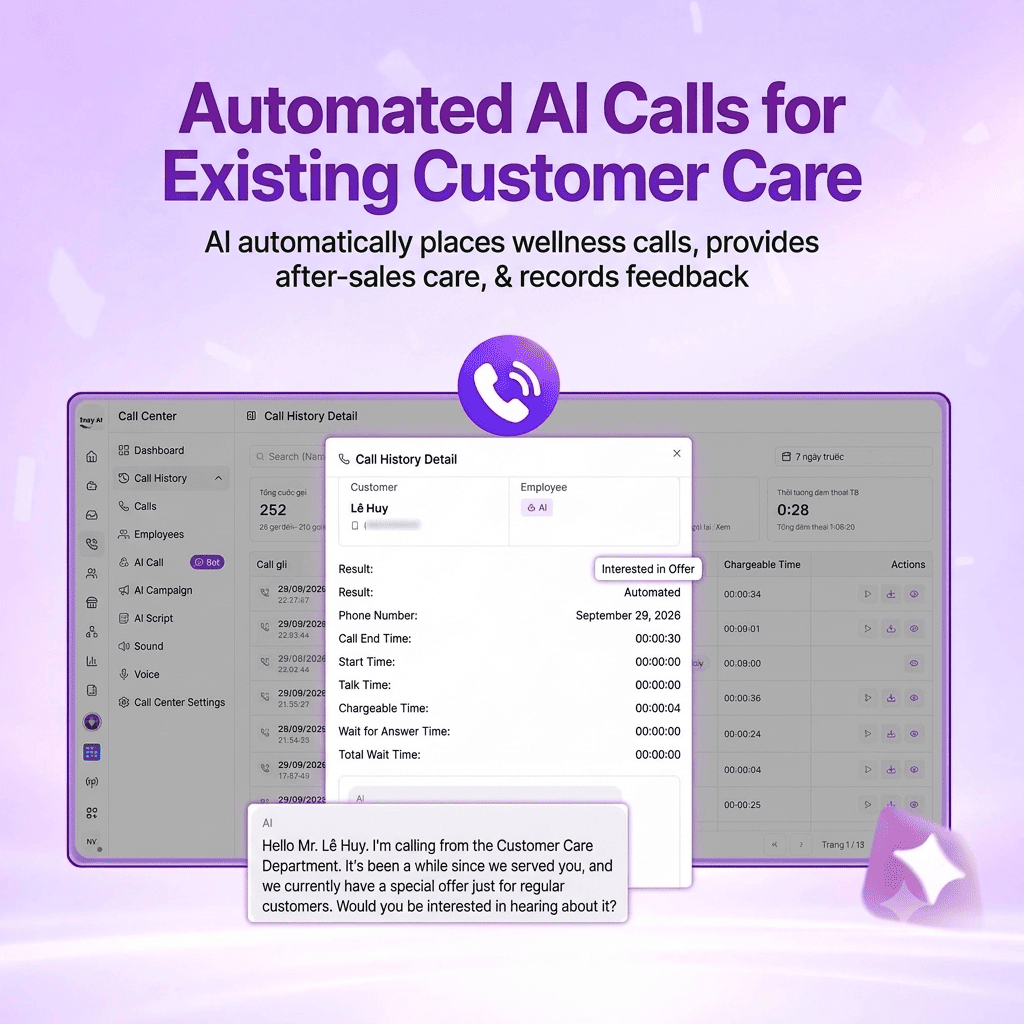
(1) AI automatically follows up with existing customers
AI proactively calls existing customers according to schedules and scripts set by the business. Activities can include checking in after a purchase, recording satisfaction, collecting feedback about a product or service, and maintaining regular engagement.
By recording conversation content, the business gains additional data to monitor the customer experience and identify cases where employees need to provide support.
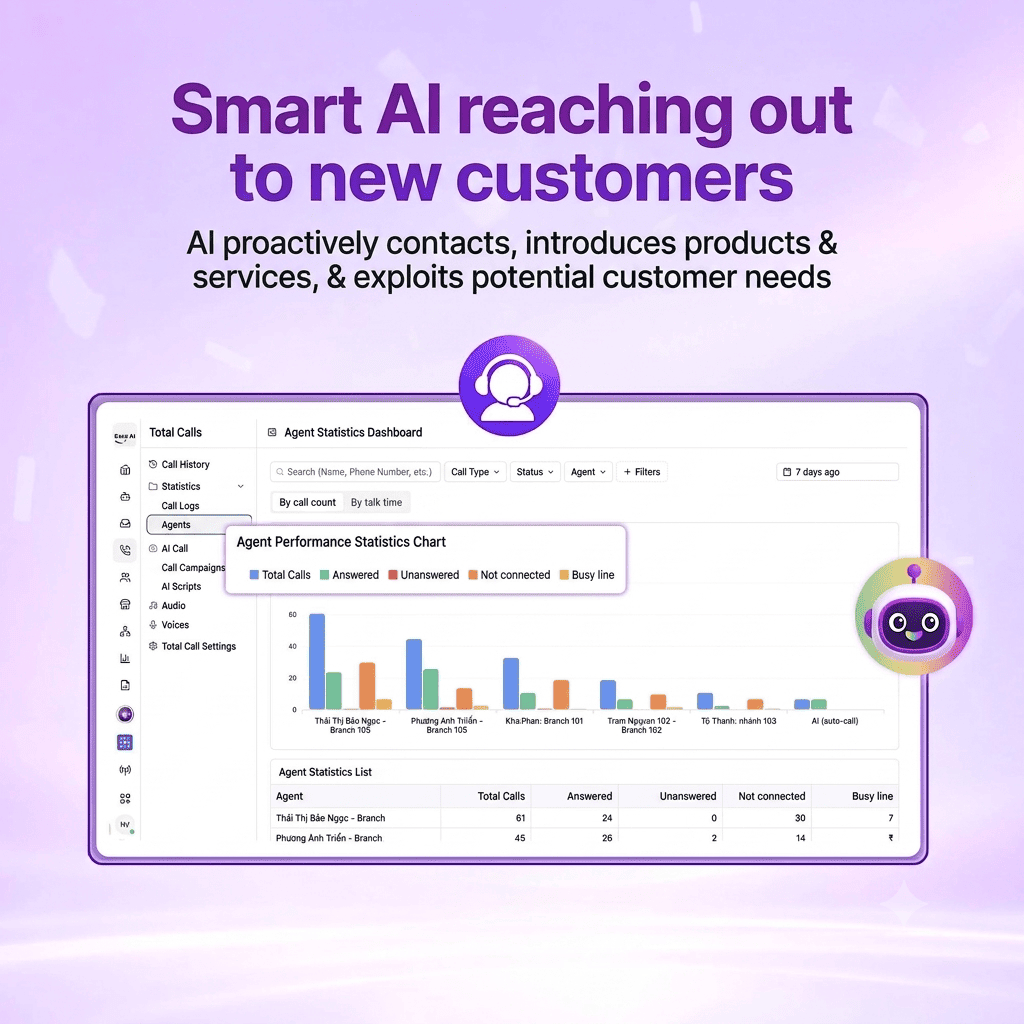
(2) Smartly reach new customers
AI makes outbound calls to potential customers to introduce products and services and learn about their initial needs. Based on call responses and configured screening criteria, the system helps classify customer interest.
Leads with clear needs or requiring in-depth consultation can be transferred to the Sales team for follow-up. This allows employees to prioritize time for more suitable sales opportunities.
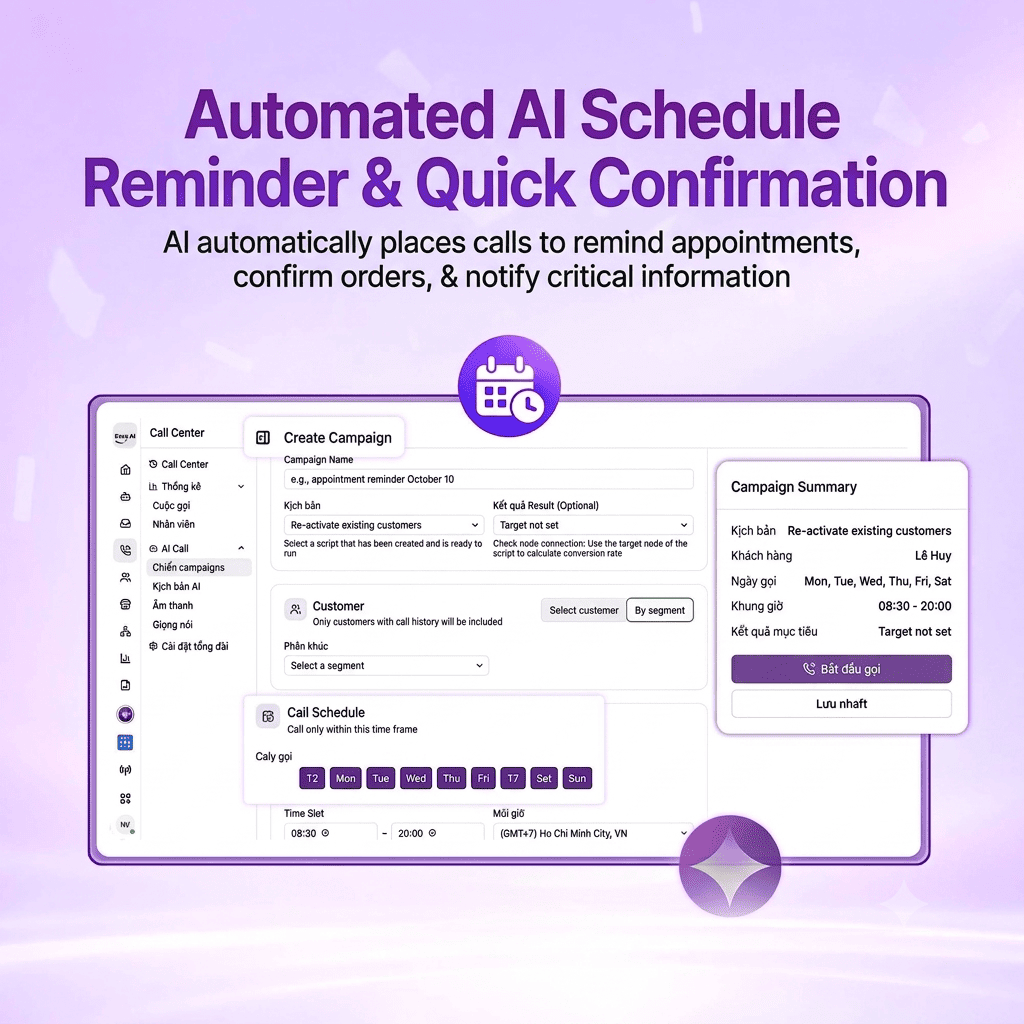
(3) AI automatically sends reminders and confirms details
AI supports calls to confirm orders, remind customers about appointments, and notify them of important milestones based on business-provided data. Call content can be tailored to each purpose, allowing customers to confirm or respond with information.
For requests involving changes or handling outside the script, AI can transfer the call to an employee according to configured rules.
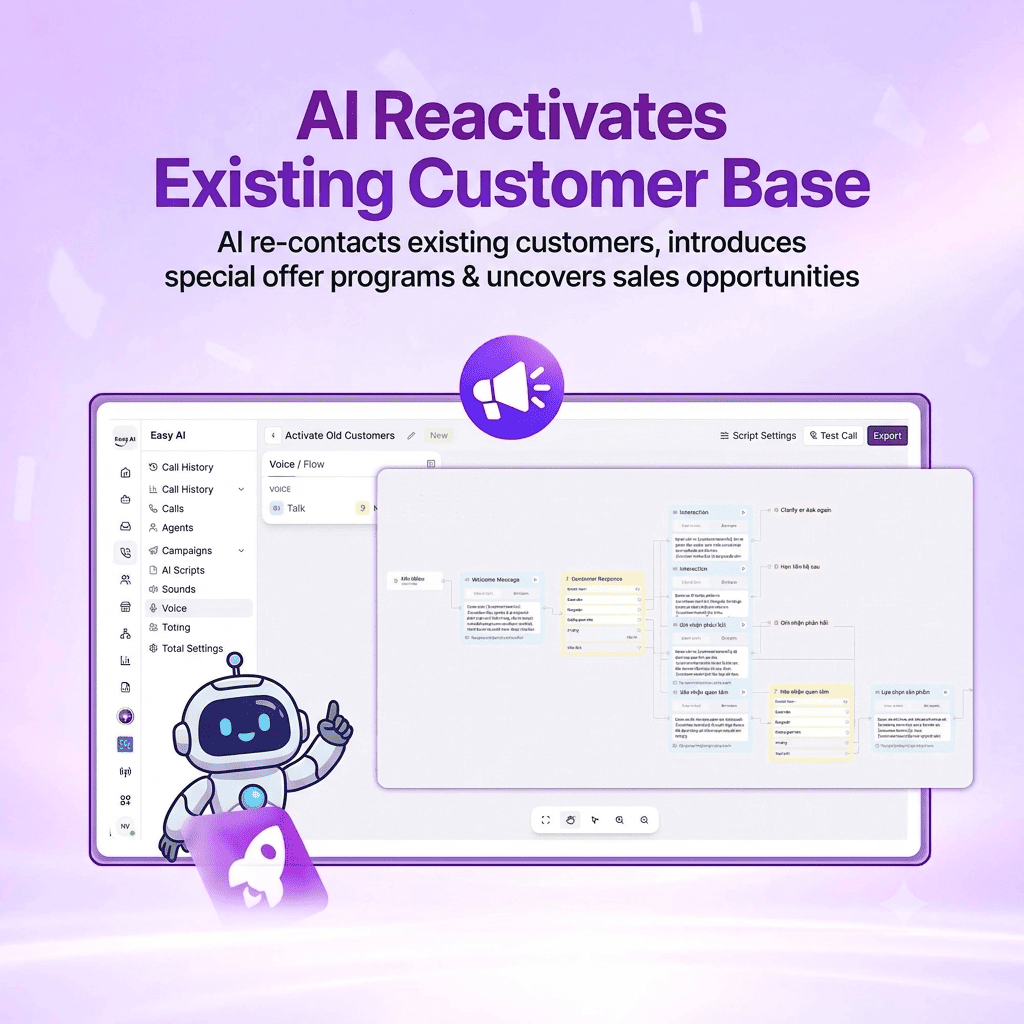
(4) AI reactivates existing customer lists
For customers who have not made a transaction or interacted for a long time, businesses can use AI Call to make contact, introduce relevant programs, and explore the possibility of their returning to use a product or service.
Unlike regular follow-ups, reactivation focuses on renewing interest and identifying business opportunities from the existing customer base. Call outcomes help businesses classify customers who remain interested, have no current need, or need further consultation from Sales.
(5) Other key features of Easy AI Call Center
In addition to the four main workflows, the solution helps businesses standardize and expand calling activities with the following capabilities:
- Vietnamese communication: Uses a language model specialized for Vietnamese to support natural conversations. Response quality is evaluated against real-world use cases.
- Voice selection: Provides voice options suited to customer groups and call objectives.
- Script customization: Configure content, conversation flows, and handling processes according to business workflows.
- CRM/CDP data access: Use customer information and context within the scope of integrated systems and granted permissions.
- Concurrent calls: Supports multiple calls at the same time, according to infrastructure capacity and deployment scope.
- Lead screening and employee handoff: Identifies cases requiring in-depth advice or exception handling and transfers them to the responsible team.
- Call history management: Saves interaction information and updates the CRM within the integration scope, helping employees track the customer journey.
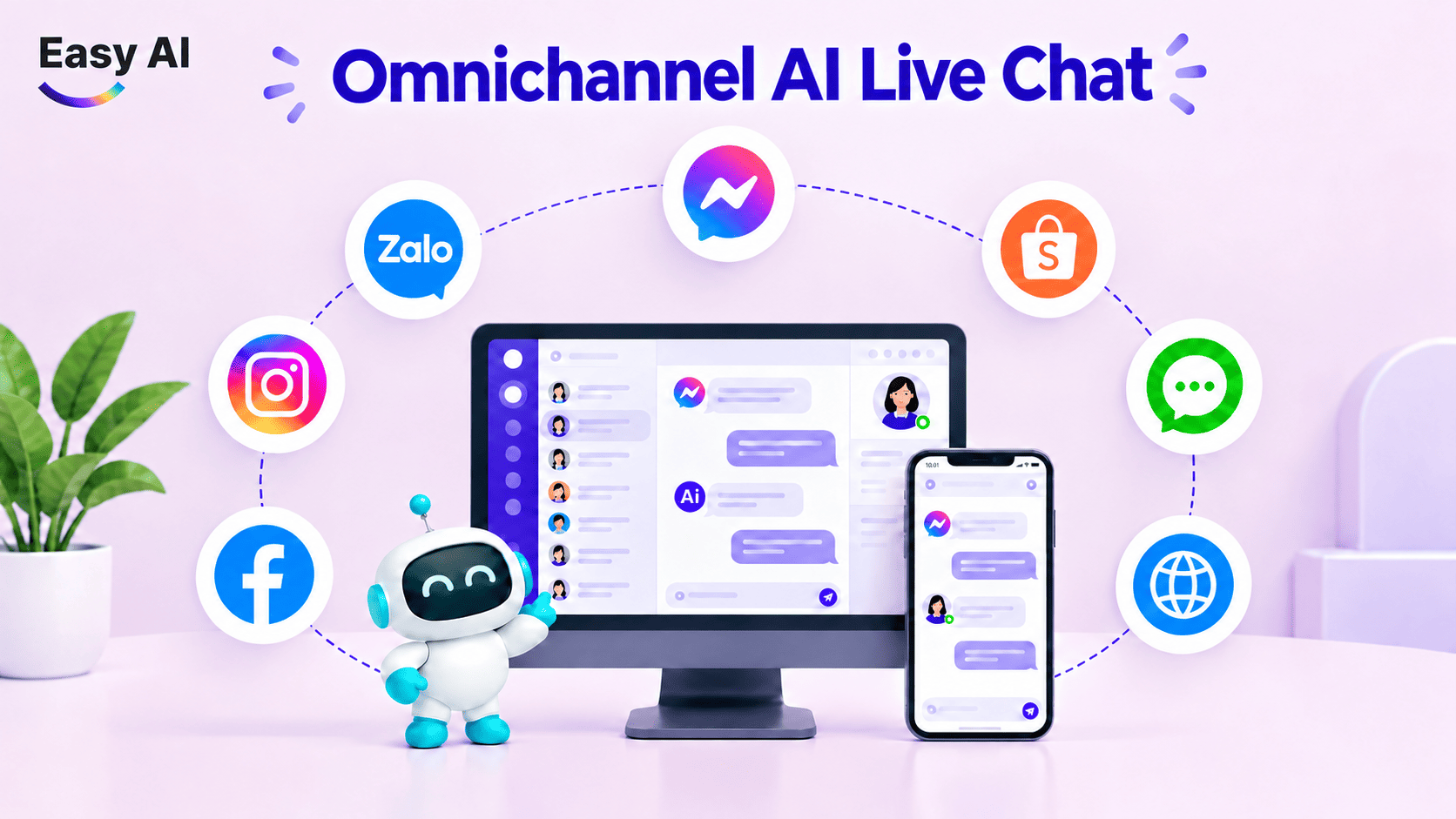
- Livechat and Copilot integration: Combine AI Call Center with Livechat to support customers across phone and chat channels. Copilot also helps employees find information and handle interactions more efficiently, supporting a consistent experience across the Easy AI ecosystem.
>>> Watch the Easy AI Call Center Demo: Automated AI Calling, Lead Qualification & Conversion Growth Solution
Businesses can start deploying an AI Call Center for one specific workflow, configure scripts and KPIs, and evaluate performance before scaling up. With Easy AI, the process can connect the AI Call Center to data, CRM within the integration scope, Livechat, and Copilot for employee support. Start with a real business problem, define KPIs, and evaluate results before expanding.
>>> Contact Easy AI for advice on a solution and a deployment roadmap suited to your business needs and objectives.
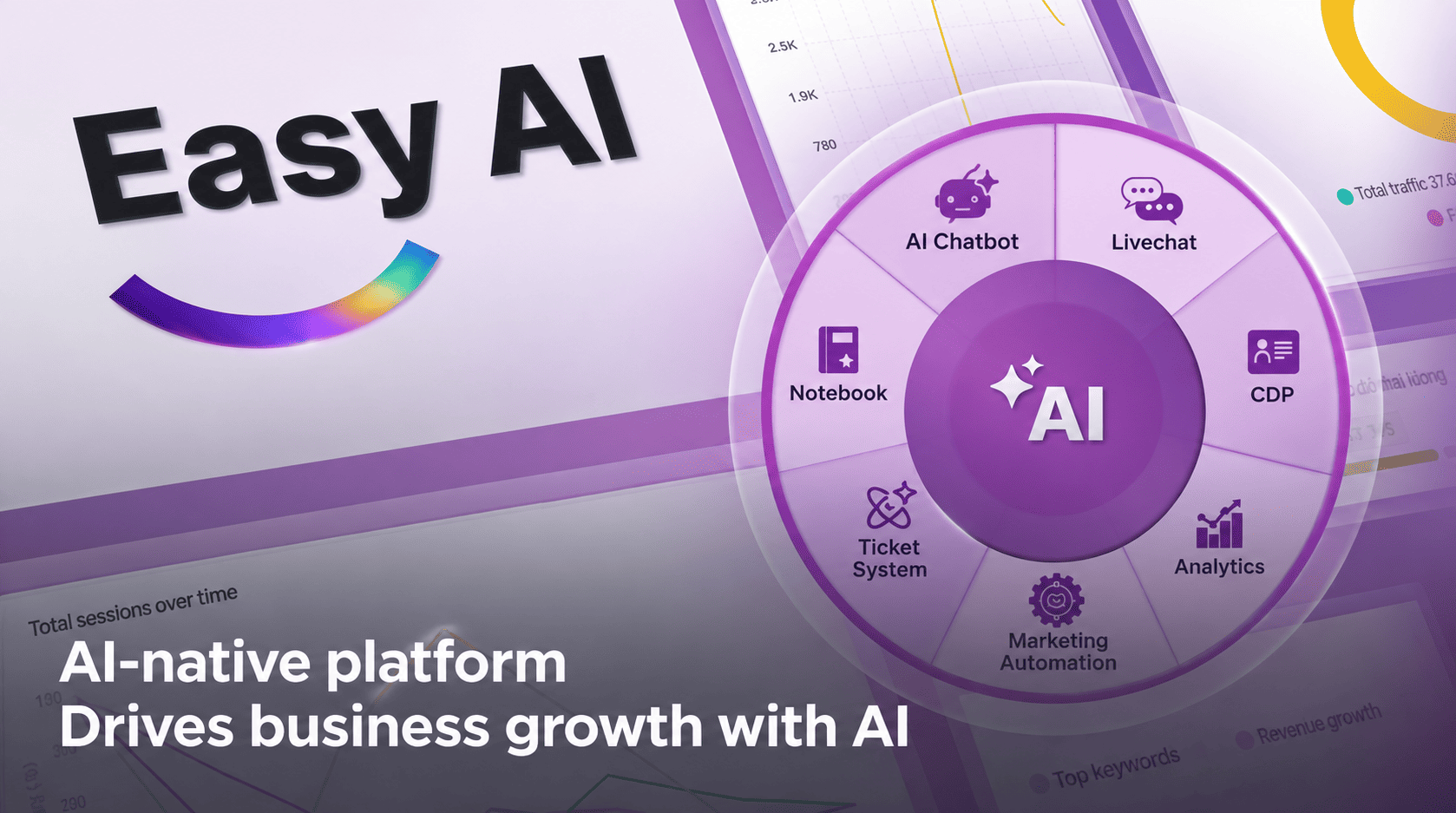
About us: Easy AI is a Revenue AI OS that connects data and automates business workflows through AI Call Center, AI Chatbot, Livechat, CDP, and Marketing Automation solutions, helping businesses improve Sales and Customer Service operations and drive sustainable revenue growth.
Topics
FAQ
Recommended for you