


Multi-Channel Lead Follow-Up Playbook: Keep One Current Record

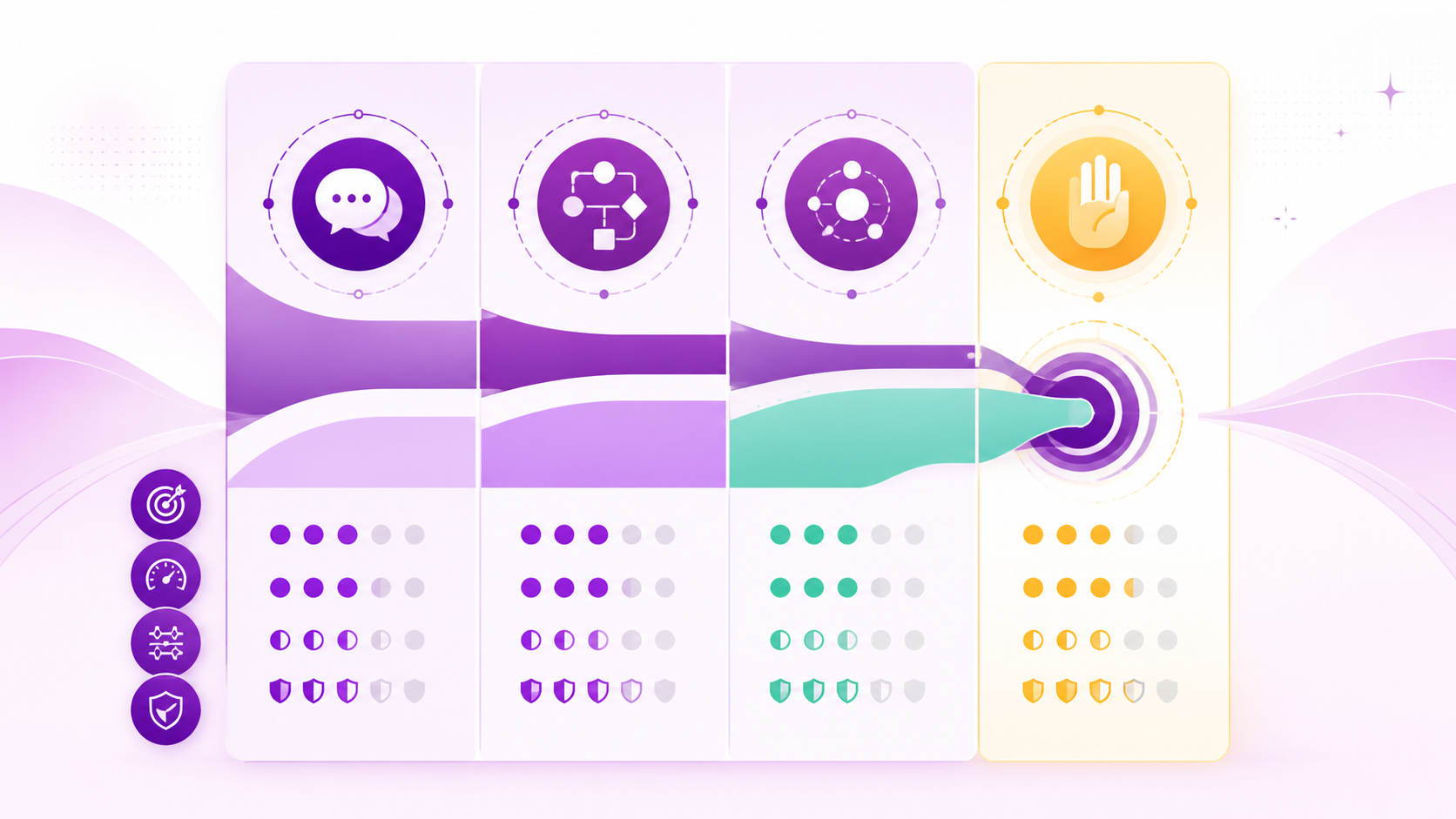
Multi-channel follow-up fails when a buyer replies in one place while obsolete reminders continue elsewhere. Use the five-step follow-up card below to keep one eligible record, give each touch one job, select a permitted channel, reconcile new events, and close every stale action.
Completion standard
- Start state: eligible request, verified identity, channel permissions, assigned owner.
- End state: accepted next action, explicit close, or visible human handoff with all stale actions cancelled.
- Evidence: shared event log, cancellation record, owner acceptance, final reason.
- Time horizon: one approved sequence; re-entry needs a new eligible event.
Roles and prerequisites
| Role | Owns | Approves | Receives handoff |
|---|---|---|---|
| Lead owner | Purpose, responses, close | Final message | Buyer reply |
| RevOps | Shared state and suppression | Sequence rules | Data failure |
| Channel owner | Channel policy/delivery | Channel exception | Delivery incident |
Confirm current permission by channel, canonical identity/state, reply and booking events, backup owner, source-approved copy, and a way to cancel queued actions.
In a small team, the lead owner may also check channel delivery and update the shared record. A separate specialist is needed only for policy, consent, or system failures outside that person's authority. First action: copy the five phase headings and fill the customer's purpose, permitted channel, current owner, and stop event.
See the card in a completed run
A fictional prospect asks by web form for an inventory checklist and permits email. Owner Duy sends the promised file. A delivery error occurs, so the sequence pauses and the channel owner verifies the address instead of switching channels. The prospect later supplies a corrected address and asks for a call; Duy accepts the task, all remaining nurture steps are cancelled, and the run closes with one booked action.
Phase 1: establish one eligible record
- Owner: lead owner.
- Inputs: request, identity evidence, channel permission, assignment.
- Actions: record purpose, preferred channel, next action, suppression, owner and backup.
- Output: canonical follow-up record.
- Exit gate: one current state exists and ambiguity is routed to review.
- Escalation/rollback: suppress all sends if identity, purpose, or permission is uncertain.
Phase 2: assign one job per touch
- Owner: lead owner.
- Inputs: canonical record and approved sequence.
- Actions: choose exactly one job—restore context, clarify, deliver promised value, confirm action, or close.
- Output: bounded message/task with stop condition.
- Exit gate: job is distinct, useful, and does not invent urgency.
- Escalation/rollback: reject unrelated promotion or repeated “checking in”; return to manual review.
Phase 3: select the permitted channel
- Owner: channel owner with lead-owner approval.
- Inputs: buyer expectation, per-channel permission, delivery history.
- Actions: use the minimum suitable channel; bind it to the same state and reply detector.
- Output: approved channel action.
- Exit gate: current policy, permission, sender, and fallback are recorded.
- Escalation/rollback: cancel when permission is absent or current channel rules cannot be verified.
Google's sender guidance and Zalo OA's message-category rules illustrate channel-specific controls that require current implementation review. Google, Zalo OA.
Phase 4: reconcile before every action
- Owner: RevOps for system checks; lead owner for exceptions.
- Inputs: replies, bookings, stage, service issue, delivery, suppression, owner action.
- Actions: read the newest event, invalidate obsolete tasks, and surface conflicts.
- Output: send, cancel, or human-review decision.
- Exit gate: no newer event conflicts with the action.
- Escalation/rollback: cancel the queue on event lag or conflict; restore the last verified state.
Phase 5: close and learn
- Owner: lead owner.
- Inputs: reconciled outcome and event history.
- Actions: record accepted action or close reason; preserve opt-outs; review errors.
- Output: final state and retained audit evidence.
- Exit gate: no queued action remains and recipient/owner has accepted any handoff.
- Escalation/rollback: RevOps reconciles partial updates; sequence stays paused until complete.
Use this follow-up handoff card
| Trigger | Severity | Owner | Required context |
|---|---|---|---|
| Buyer reply or booking | High | Lead owner | Message, identity, current state |
| Permission conflict | High | Channel owner | Channel and consent record |
| Partial state update | High | RevOps | Event IDs and last verified state |
| Trigger | Respond by | If unresolved |
|---|---|---|
| Buyer reply or booking | Before next action | Cancel sequence |
| Permission conflict | Before send | Suppress channel |
| Partial state update | Same review window | Pause all actions |
QA checks: one identity and owner; one job per touch; current permissions; newest-event reconciliation; cancellation tested; opt-outs retained; backup accepts timed-out handoffs.
| Metric | Definition | Baseline | Decision threshold |
|---|---|---|---|
| Coherent follow-up rate | Eligible records without conflicting/stale action / eligible records | Pilot | Set before expansion |
| Cancellation integrity | Obsolete queued actions cancelled / obsolete actions detected | Pilot | Pause threshold pre-set |
| Accepted handoff rate | Handoffs accepted in target / handoffs | Pilot | Set before launch |
| Metric | Review owner | Cadence |
|---|---|---|
| Coherent follow-up rate | RevOps | Weekly |
| Cancellation integrity | RevOps | Weekly |
| Accepted handoff rate | Sales manager | Weekly |
Failure signals include duplicate contacts, growing event lag, owner timeouts, permission errors, and reopen without a new event. Pause the affected route, reconcile state, and narrow the sequence.
What to do after completion
Review the journey with the lead follow-up use case, handle silence with the unresponsive-lead template, or route active objections through the objection playbook.
Evidence and limitations
No response or conversion uplift, legal permission, channel integration, or Easy AI capability is claimed.